Favorites and Recents
Favorites
For each item in the gallery you can mark the star to insert it into the favorites category.
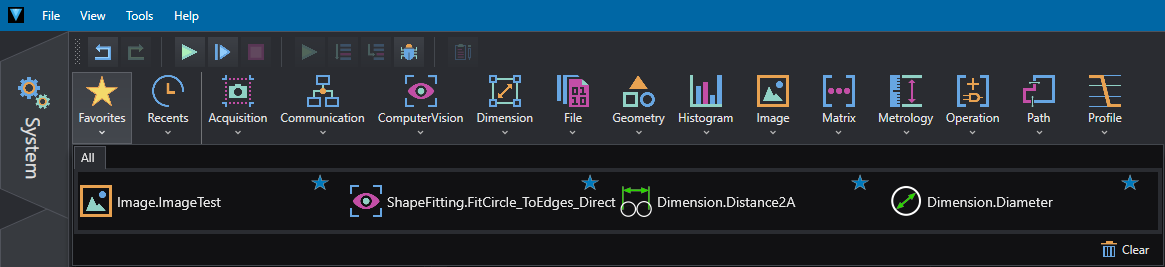
Once inside the category, to delete one, click on the star. Click on the trash to delete all favorites.
In the Tools/Options menu from the Menu Bar you can select the maximum number of favorites you want to display.
Recents
In the Recents tab you will find the last used objects.
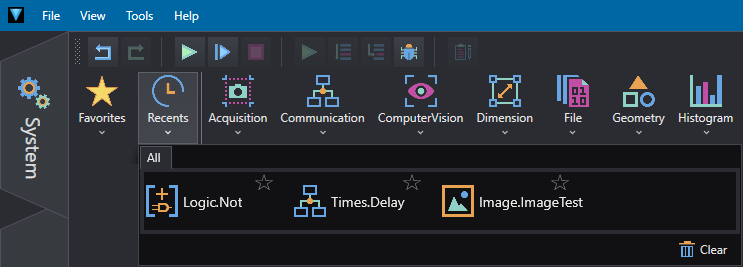
Once inside the category, click on the trash to reset recently used tools.
In the Tools/Options menu from the Menu Bar you can select the maximum number of recent used tools you want to display.