Multithreading
Multithreading allows users to develop projects running parallel procedures that can be executed independently or using synchronization techniques in order to achieve advanced analysis capabilities. Different approaches to this functionality are described in following examples.
Multithread_SimpleThread
This example shows two threads that perform two independent analysis on different images source. The first thread calculate the bounding box of the object in the image, while the second thread performs a blob analysis.
Threads can be accessed from the Project explorer window
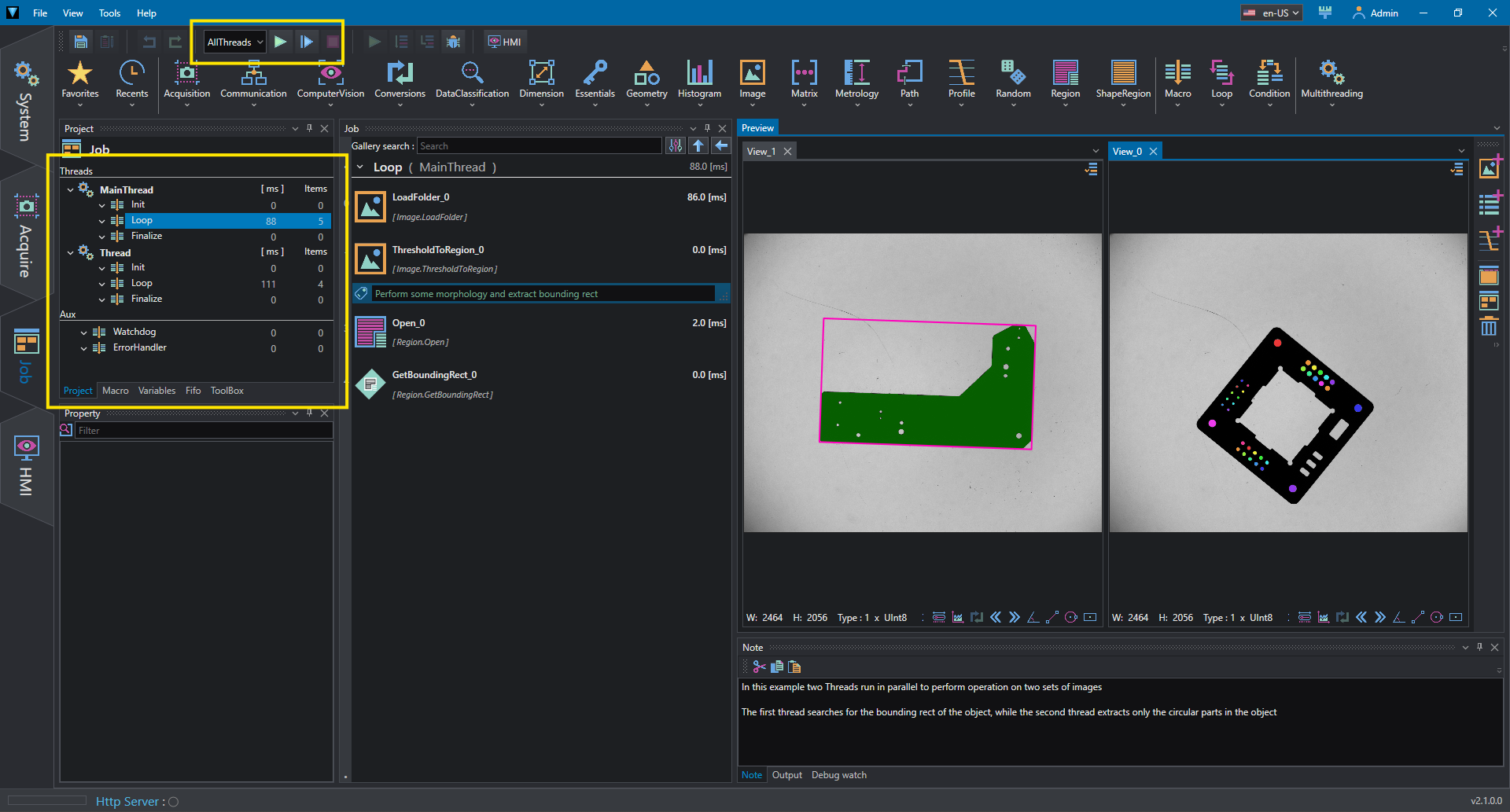
It is possible to select to start the threads by selecting AllThread in the run behavior selector, then press the start loop button. The other possibility is to start only the MainThread.
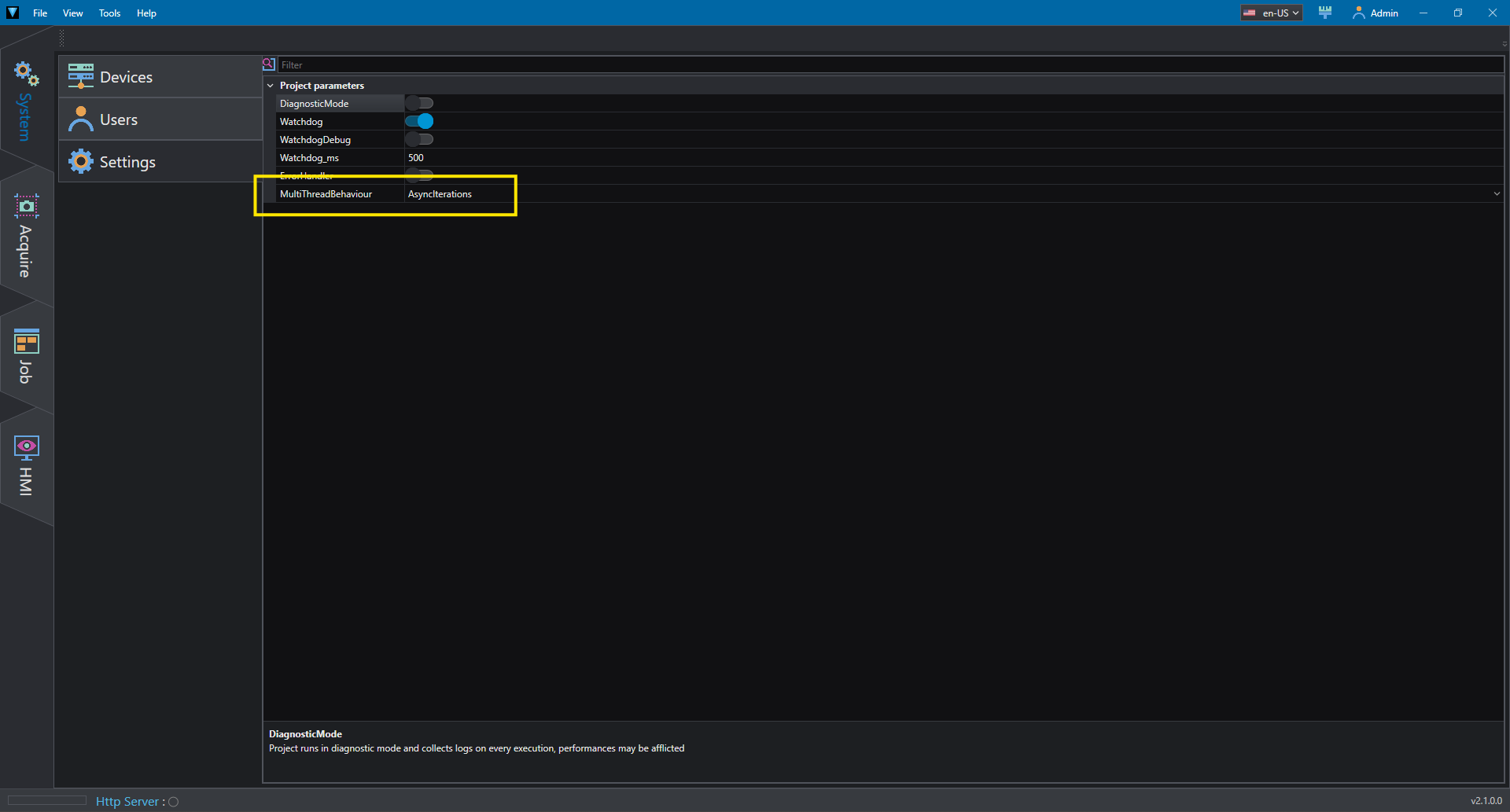
In this case, the threads start at the same time and no synchronization is performed during loop operation.In the System tab it is possible to notice that the MultithreadBehavior is set to AsyncIteration, meaning that iterations of both threads are performed at their own speed, i.e. the cycle time of each thread depends on the work load of their own loop.
Multithread_SimpleThreadSync
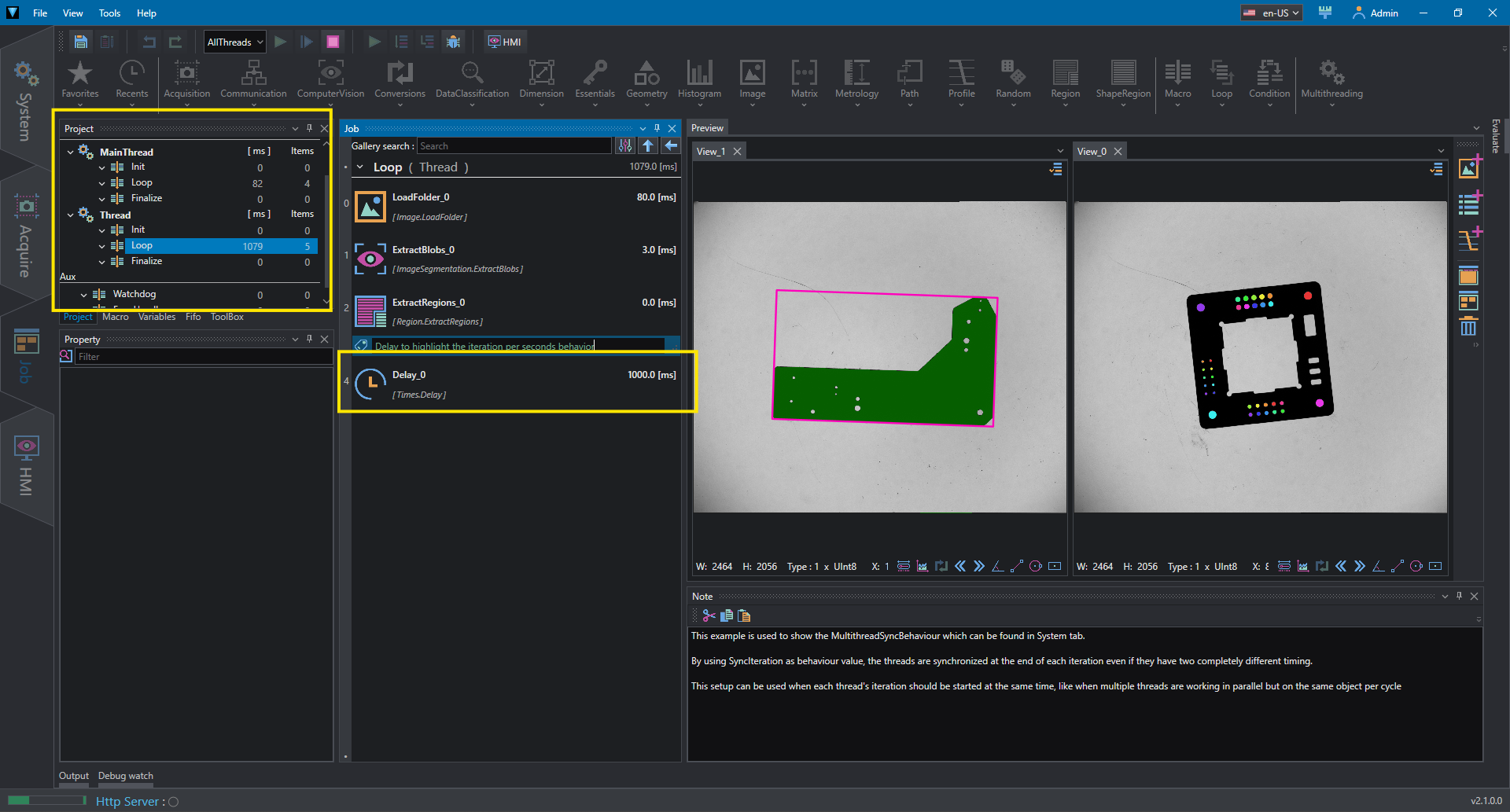
This example is similar to Multithread_SimpleThreadSync, but the MultithreadBehavior is set to SyncIterations. In this mode, even if a thread is faster than the other the next iteration will start only when the slowest thread has finished its iteration. With SyncIterations the speed in terms of computational time depends on the work load of each thread, but the iterations per seconds is determined by the slowest one.
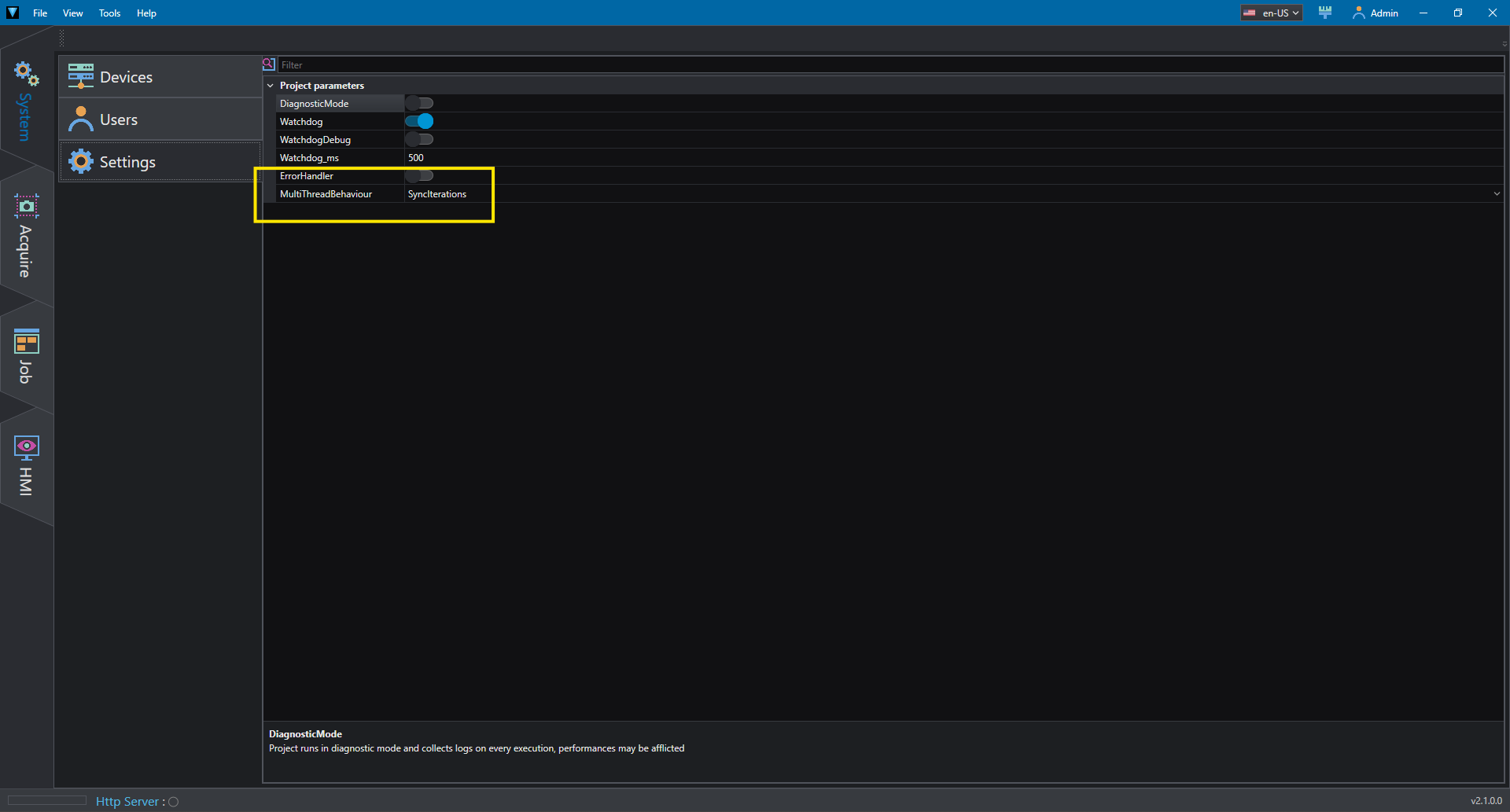
To highlight this behavior a delay is inserted in the second thread
Multithread_ThreadVar - ThreadSync1
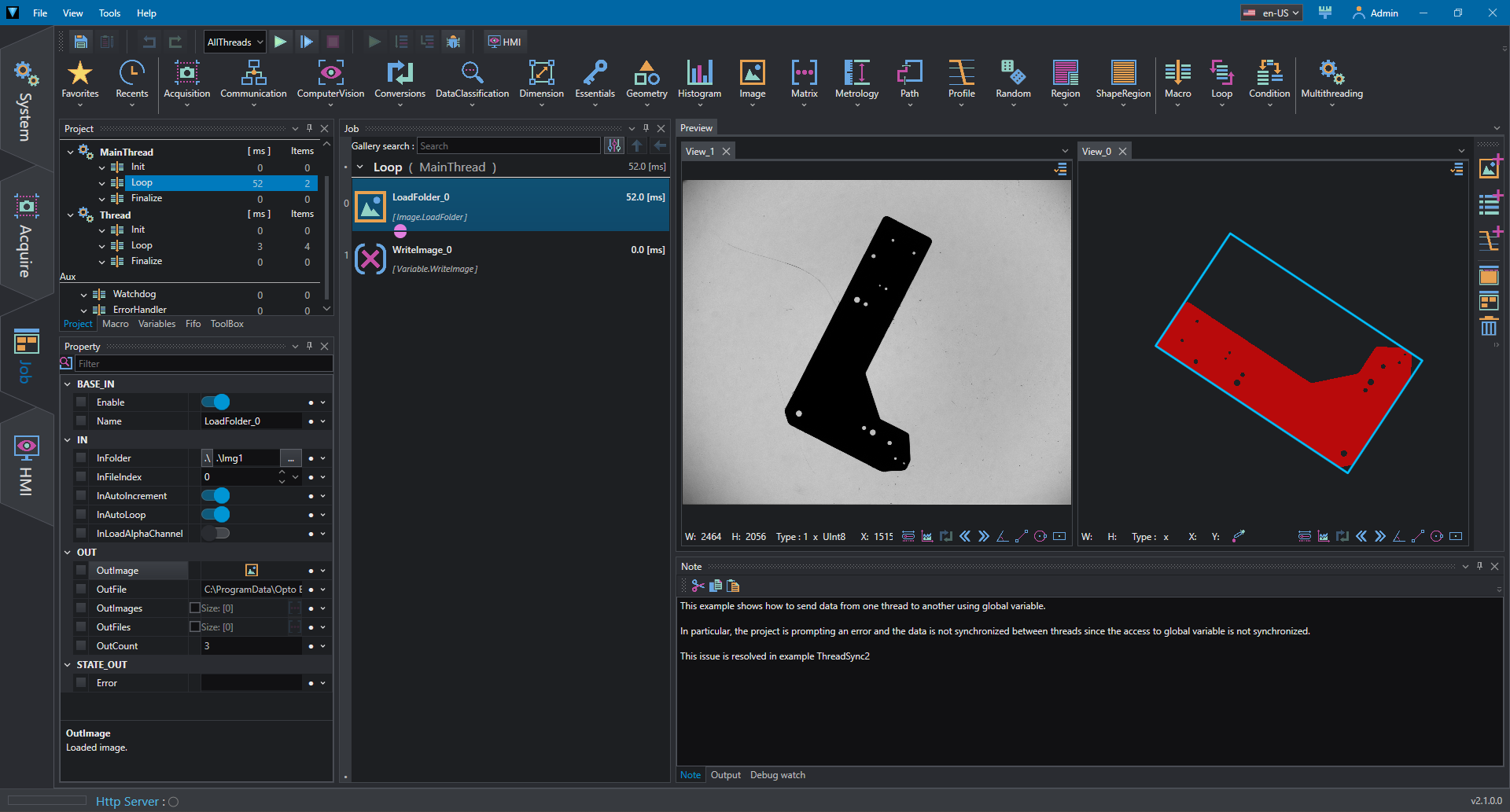
This example shows two thread sending image using global variable.
The first thread read an image from file system and write it on a global variable ImageG; the second thread read the image ImageG and performs some operations (threshold operation and bounding rectangle). Even if Multithread behavior is set to SyncIteration it is possible to notice that the operation performed by the second thread is not synchronized with the image set by the first thread. This is because no locking mechanism is designed when writing or reading the global variable. This mechanism is implemented in Multithread_ThreadVar - ThreadSync2
Multithread_ThreadVar - ThreadSync2
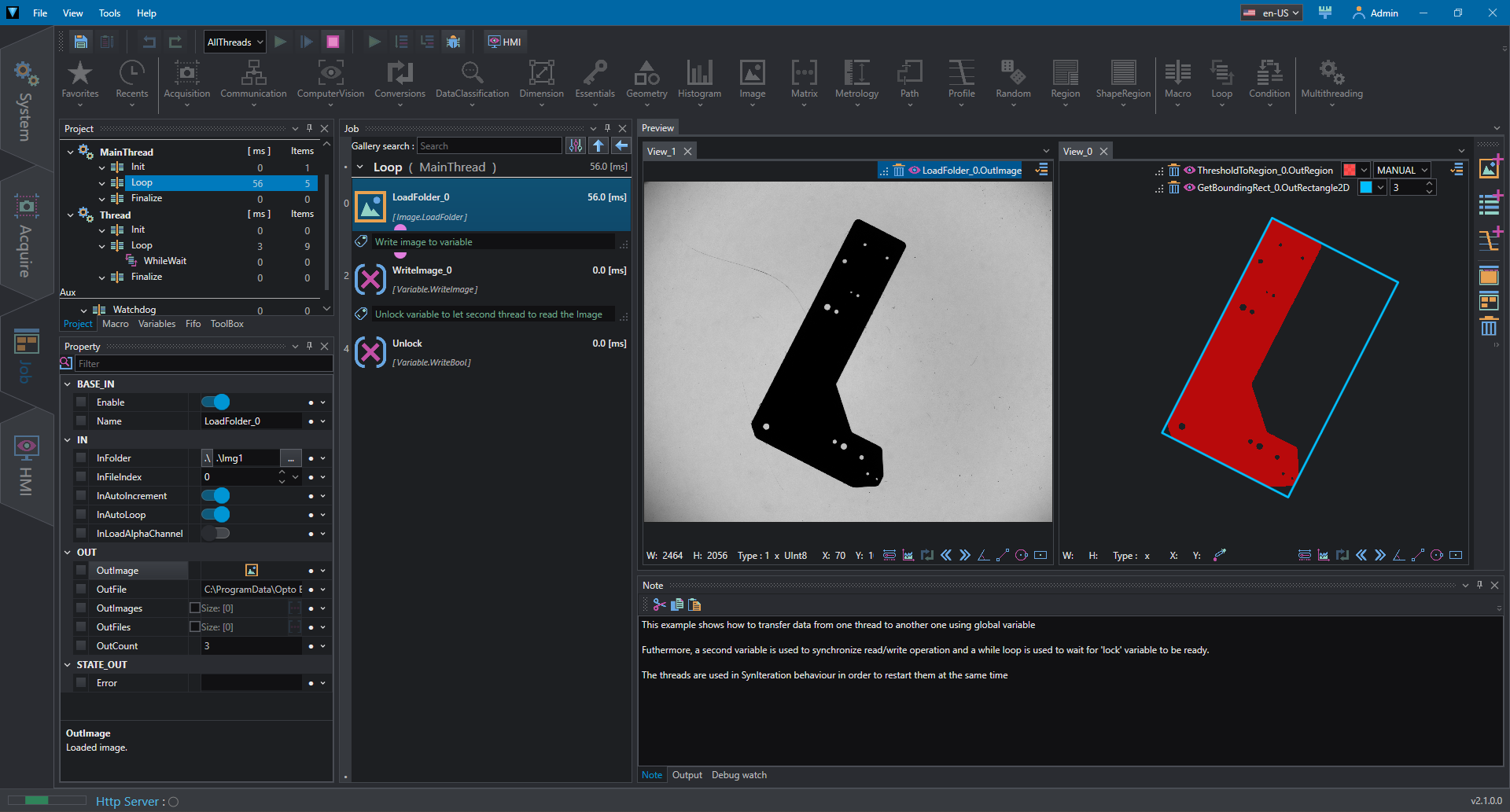
This example shows a simple lock system to access a global variable from two threads.
The first thread write the image to ImageG then unlock the resource by set the lock variable to false. The second thread waits in a while loop for the lock variable to be false, then it reads the variable and perform some analysis. Finally the second thread lock again the variable for the next iteration; since the thread behavior is set to SyncIteration, the first thread waits for the second thread (which is the slowest one in this case) before starting a new iteration and the logic starts again.
With this technique producer and consumer are synchronized because the producer (first thread) doesn't restart until the second one has finished and the consumer (second one) doesn't continue until the producer has written the image.
Multithread_ThreadFifo
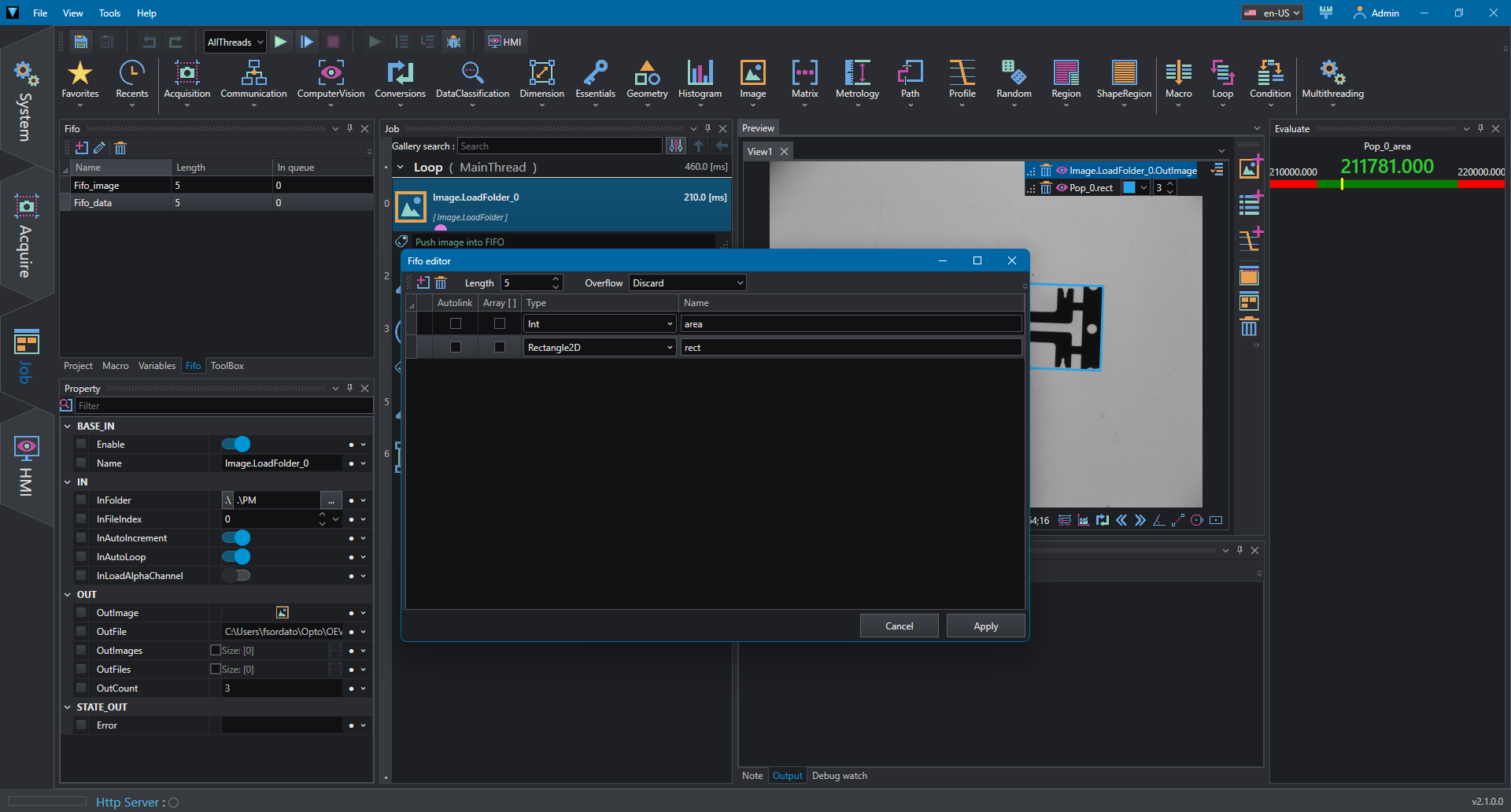
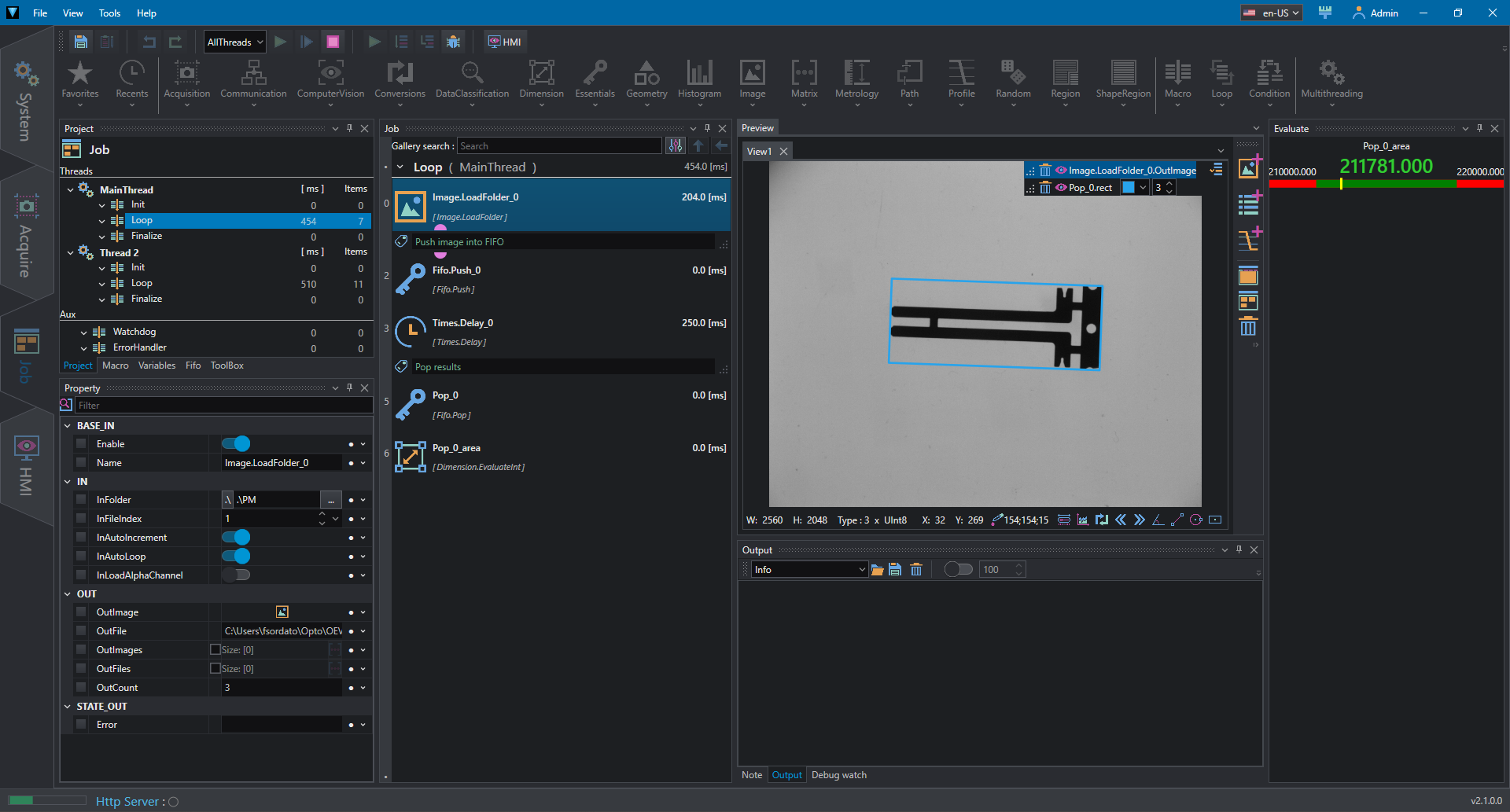
This example shows how to use multithreading in combination with FIFO; FIFOs are memory location where variables can be stored in a queue, allowing threads to push and pop data to/from the queue.
In this example the first thread read an image from file and push it to a FIFO; the second thread pop the image and, since the FIFO tools allows to wait for thread, the thread is locked until the image is available.
Once the thread has popped the image, it performs a FindObject followed by region operations to compute area and bounding rect of found object. The results are then pushed to another FIFO where the first thread is waiting for pop.
FIFOs can be created and edited from the FIFO Tool window. For a detailed description see the dedicated page FIFO.