Edge 2D
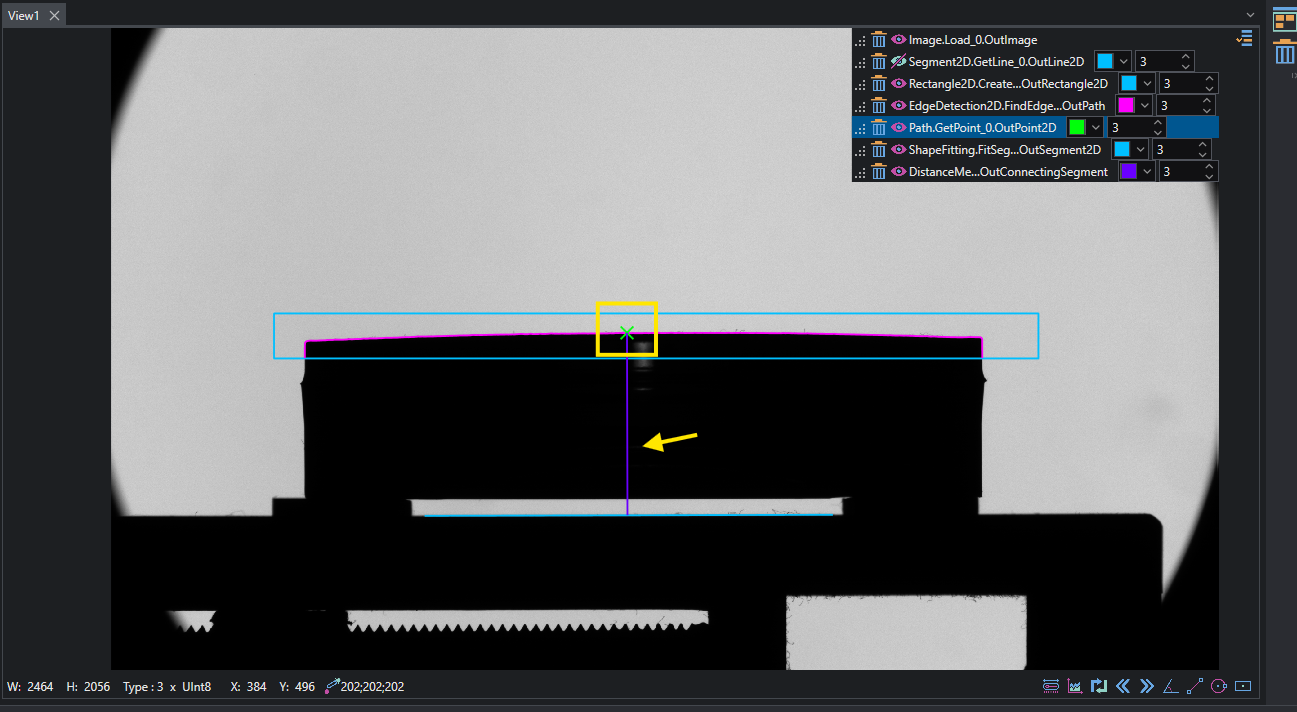
This example shows how to perform Edge detection operation on a sample and extract sub-pixel measurement of highest point. To do so a combination of edge extraction and profile manipulation is used.
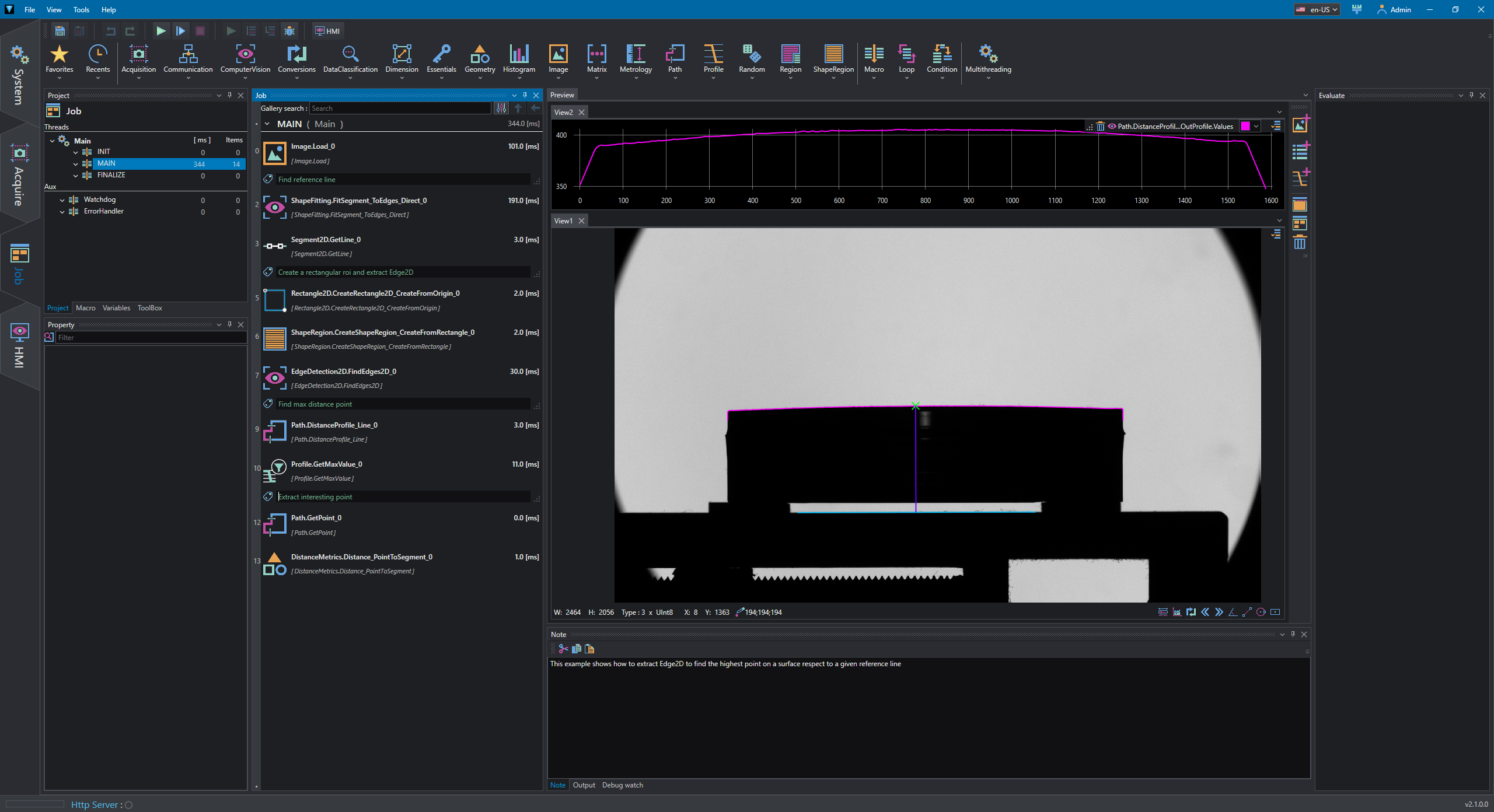
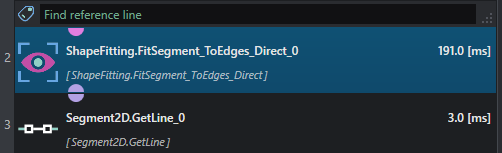
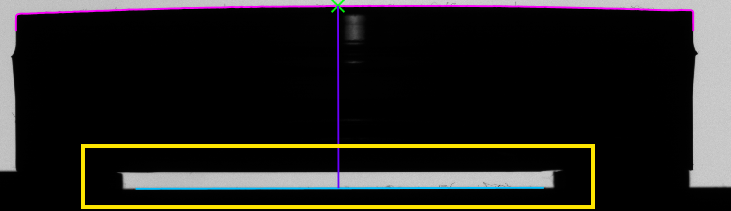
The first step is to create a reference line at the bottom of the object that will be used to measure distance from each point of the edge; the line is calculate using a FitSegment_ToEdges_Direct then transformed to Line2D using GetLine tool.
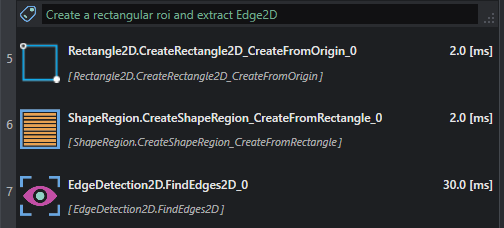
The second step is to create a rectangular ROI used in combination with FindEdges2D to extract sub-pixel edge on the top of the object.
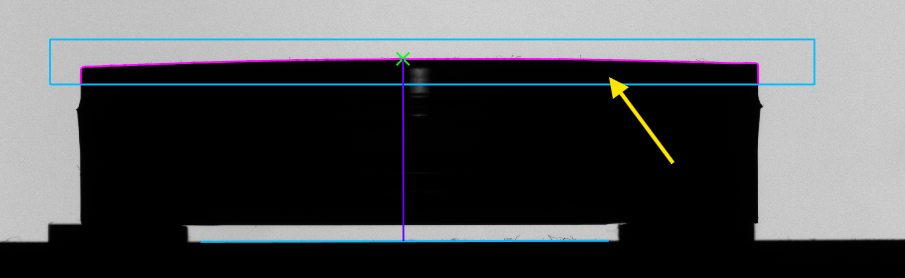
To find the highest point on the profile we need to compute the distance of each point from the reference line; this can be done by using DistanceProfile_Line which gives a Profile as output and, finally, request the max distant point with GetMaxValue which gives us both the index and the value of the point.
In View2 the distance profile is plotted as reference.

From the found point's index, it is possible to request the specific point using GetPoint; the corresponding distance is also calculated and highlighted in the view with Distance_PointToSegment.