Camera Visualizer
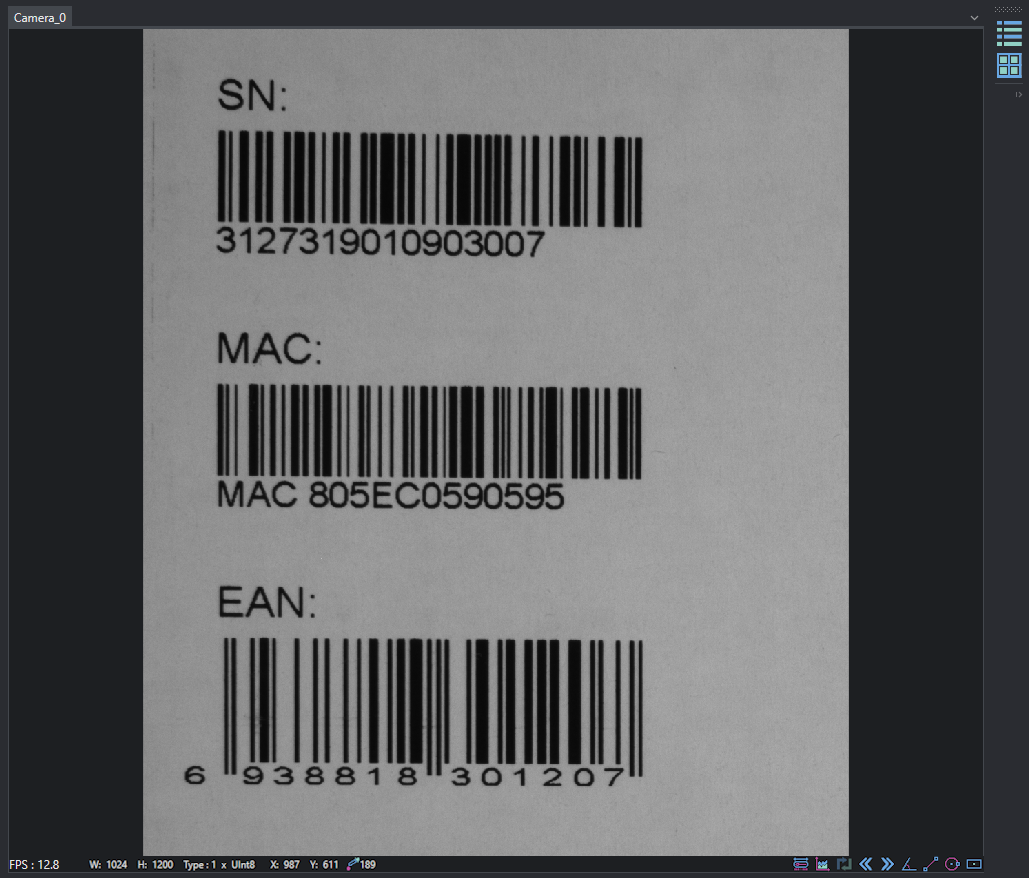
The visualizer is used to display a preview of the cameras added to the project before use them on it.
On the top there will be one tab for each added camera. At the bottom left you can find FPS (frame per seconds) counter, the image size, image type, the position of the mouse pointer within the image itself and the grayscale value of the point indicated by the mouse pointer. At the bottom-right corner of the visualizer you can find the image toolkit (see Image Toolkit).
Using the two buttons at the top right you can switch from single tab view (one camera at a time) to grid view (multi cam).