Datacodes
This examples shows how to read barcodes, QR codes and datacodes using dedicated tools. The images used in the example contain a collection of different types of data that can be read and different outputs are produced as well.
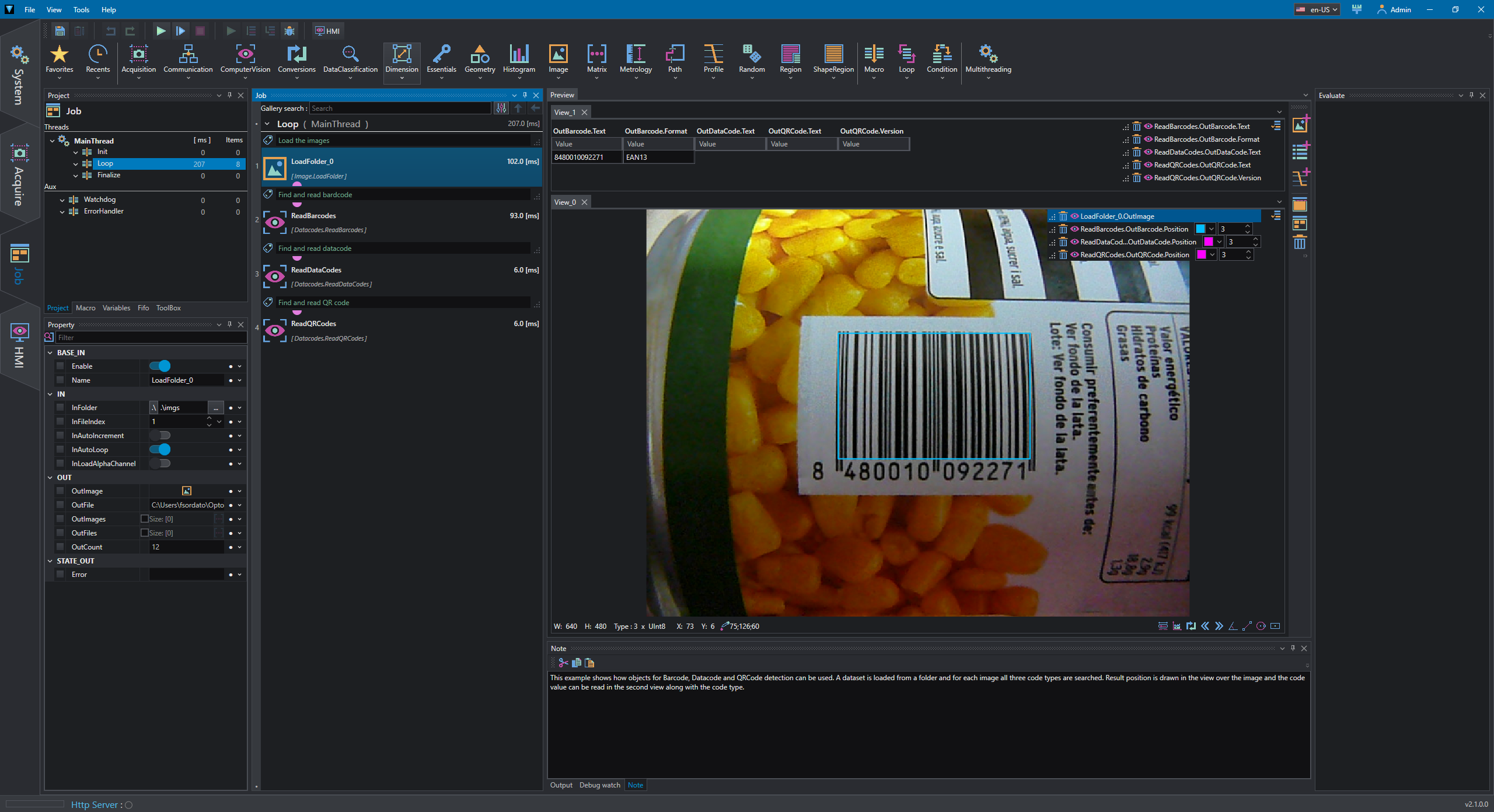
The loaded image is passed into three different tools and each tool identifies and decode its own code:
- ReadBarCodes : Detects and recognizes multiple barcodes on the input image.
- ReadDataCodes : Detects and recognizes all data codes in the input image.
- ReadQRCodes : Detects and recognizes all QR codes on the input image.
In View_0 the current image is displayed and found code is represented with its bounding rectangle, while in View_1 textual results are shown for each code; according to found code the table is filled with different fields.
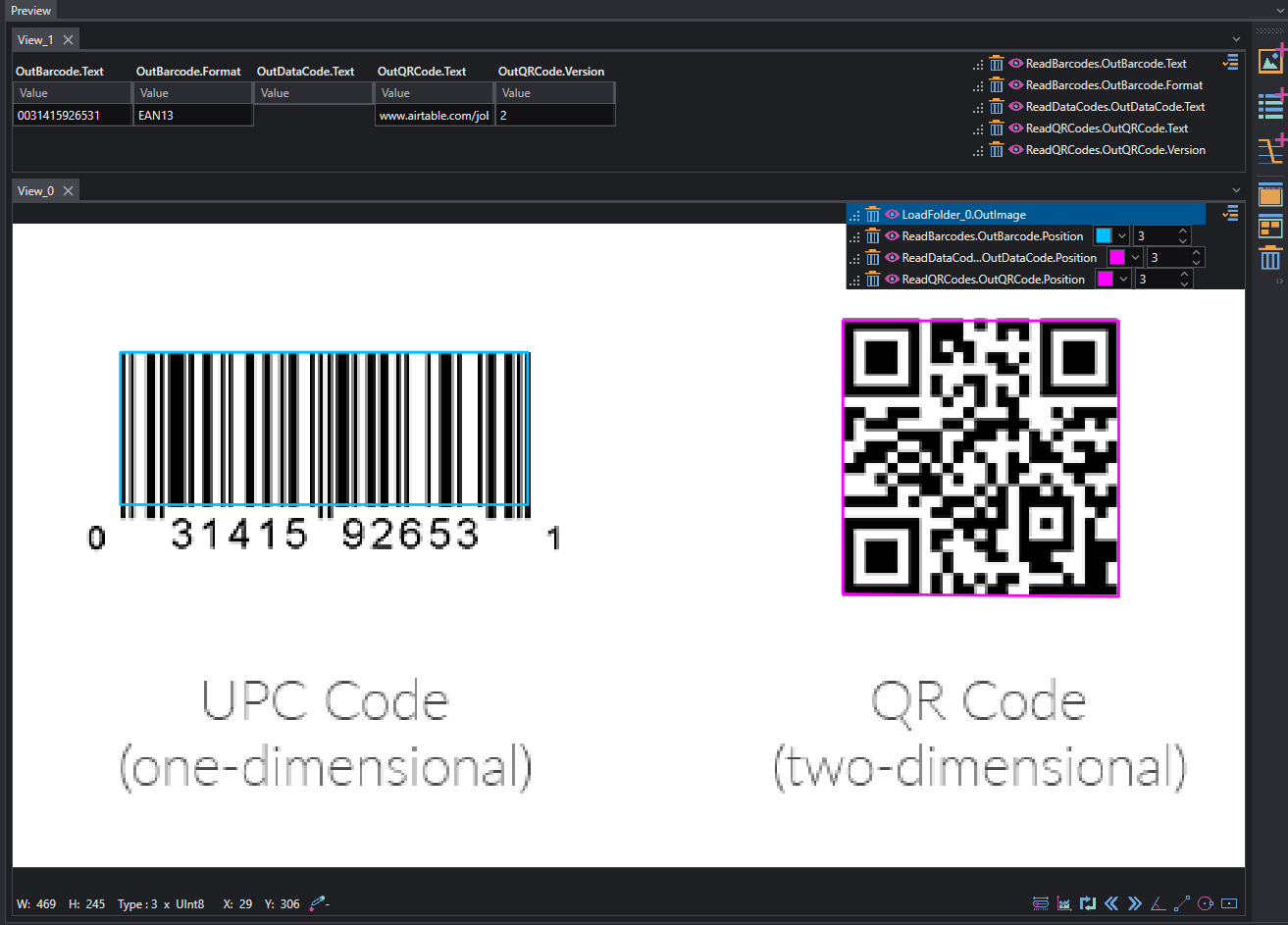
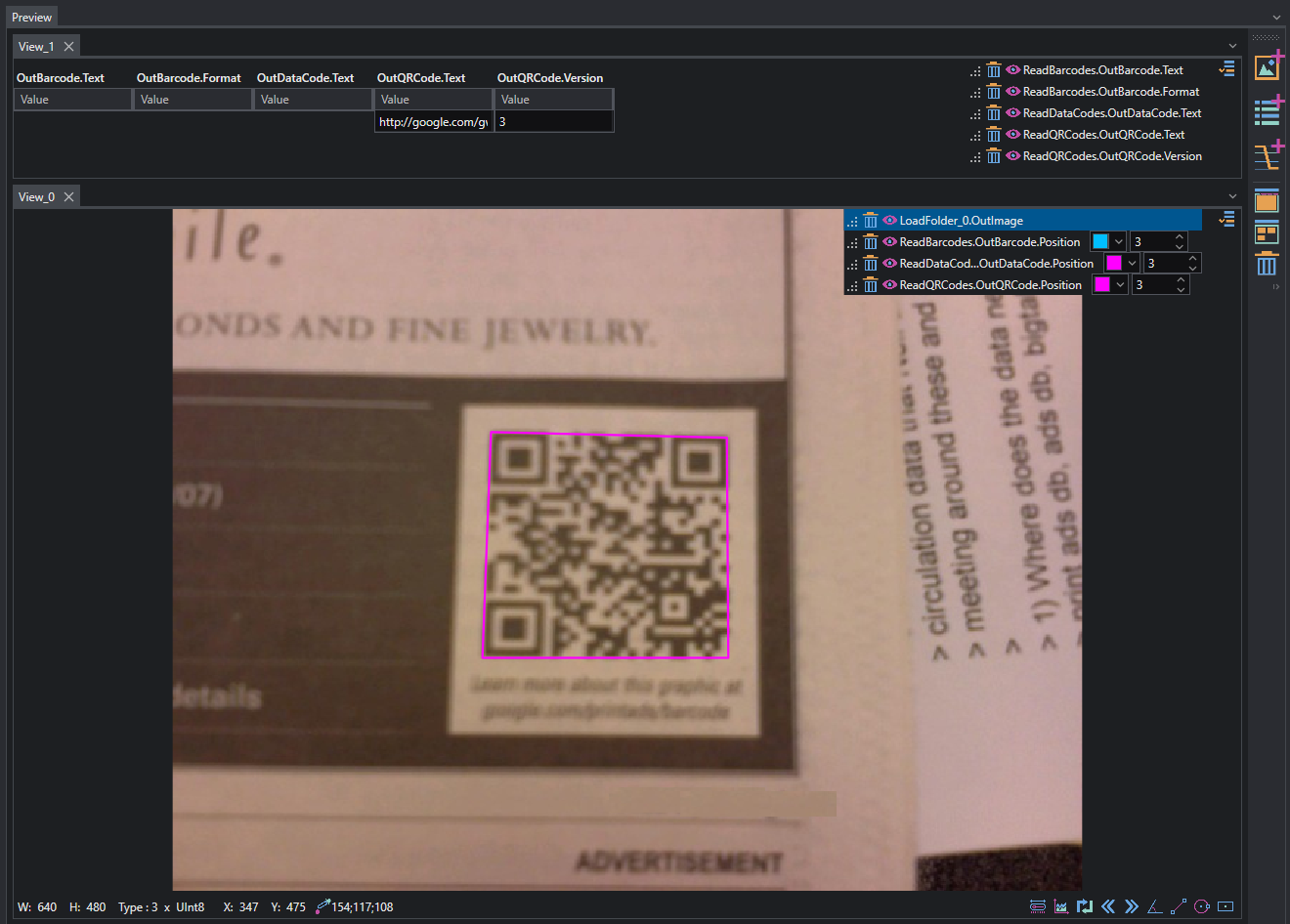
Following properties are displayed in the preview:
- Barcodes:
- Text: barcode's text information
-
Format: barcode's format code
-
Datacodes:
-
Text: Datacode's text information
-
QRCode:
- Text:QRCode's text information
- Version: QRCode's version code
The position of each code is retrieved from Position property of Barcode, Datacode and QRCode.