Download and installation
In order to download OEVIS® installers, activate demo licenses and update your hardware license key, you have to log-in to our customer portal.
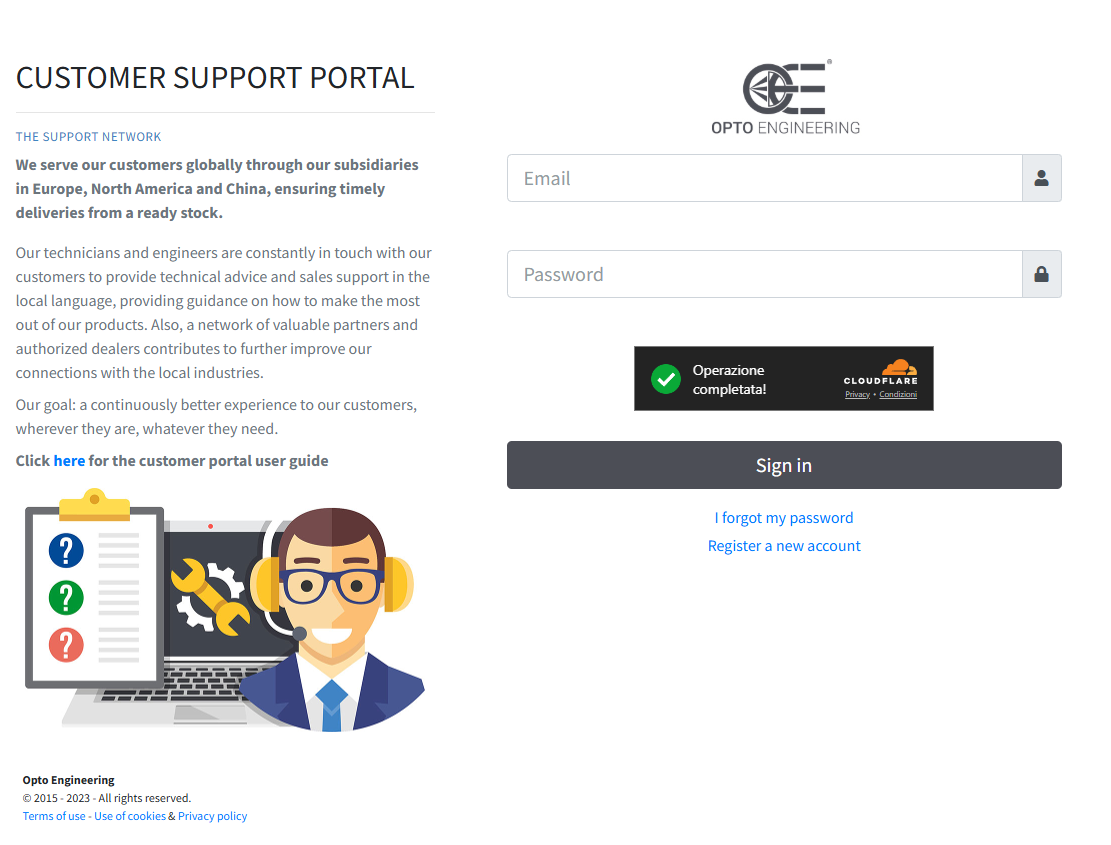
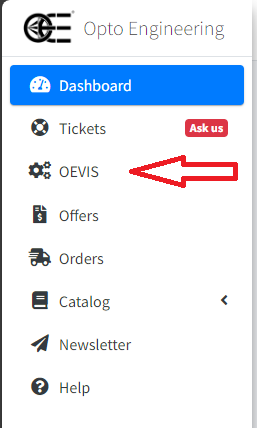
Once logged in you will be able to access the OEVIS® section on the left navigation menu.
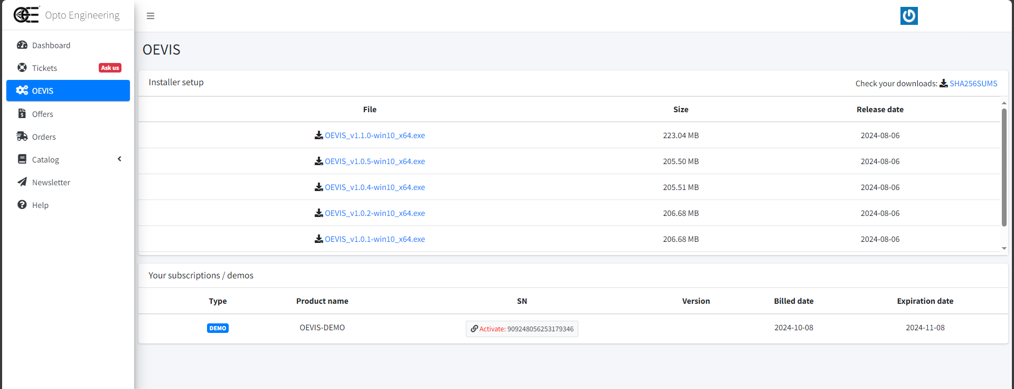
In the top section you can access the installer downloads of every available version. In the bottom section you can access all your licensing information.
Installation
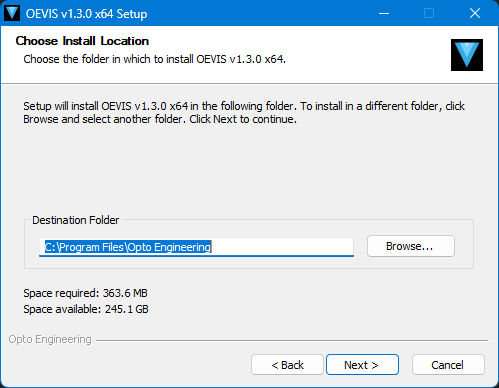
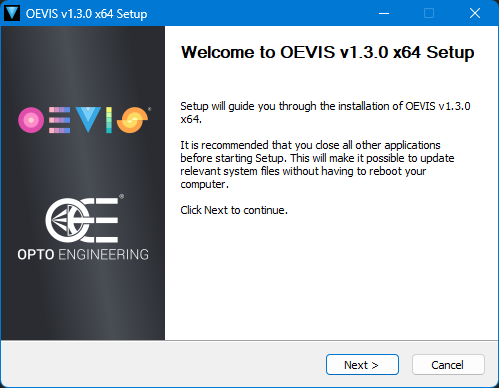
After you downloaded the desired installer, launch it and allow privileges request if Windows UAC pops up.
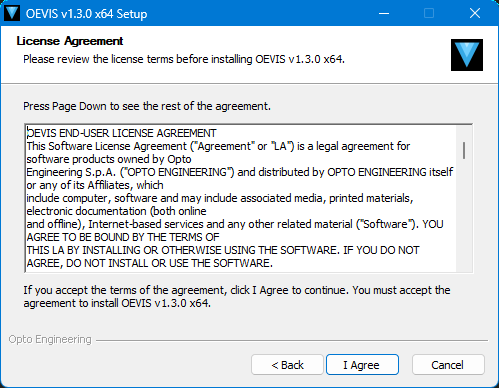
Please read the license agreement carefully.
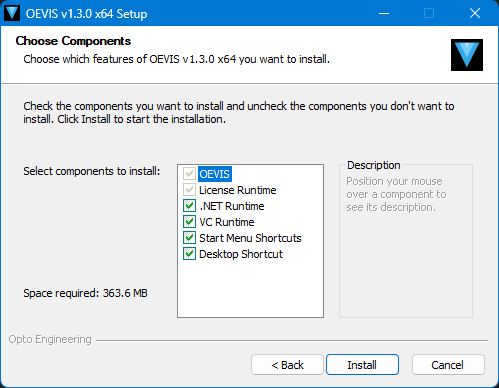
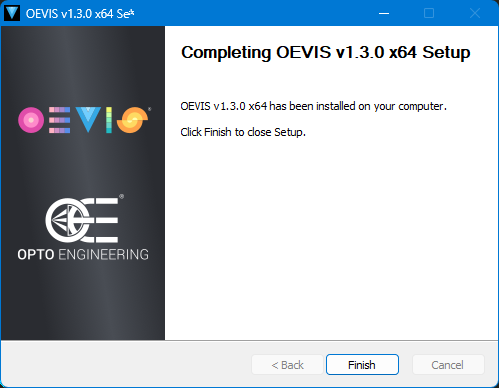
From here we recommend that you continue with the installation with all the default parameters.