Properties
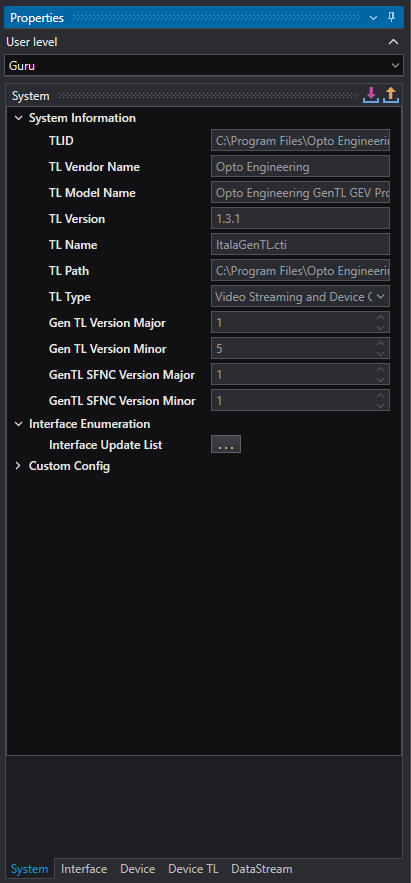
User level
Select the user level for accessing GenICam tree nodes
- Beginner
- Expert
- Guru
Properties
Once the camera is connected, all the properties, divided into categories (System, Interface, Device, Device TL, Data Stream) will appear. The number of properties displayed will depend on the user level selected (beginner, expert or guru) and on the implemented camera features.
On the top right of the panel you can find the two following buttons:
 — import parameters of the selected category from an
 .oemapfile — export parameters of the selected category to an
 .oemapfile
Warning
.oemap files are compatible between cameras of the same manufacturer and model. Loading an .oemap file exported from a different camera model could result in an error or in incorrect parameter settings.
Note
Any changed parameters are usually lost when the camera is powered down. Typically this is managed by saving parameters that will not change during the execution of the program in the device User Sets (see camera manufacturer user manual fro information on how to use User Sets). All the changes to parameters occurring during execution (e.g. exposure time or white balance) can be conducted with the dedicated GenICam tools.