Script
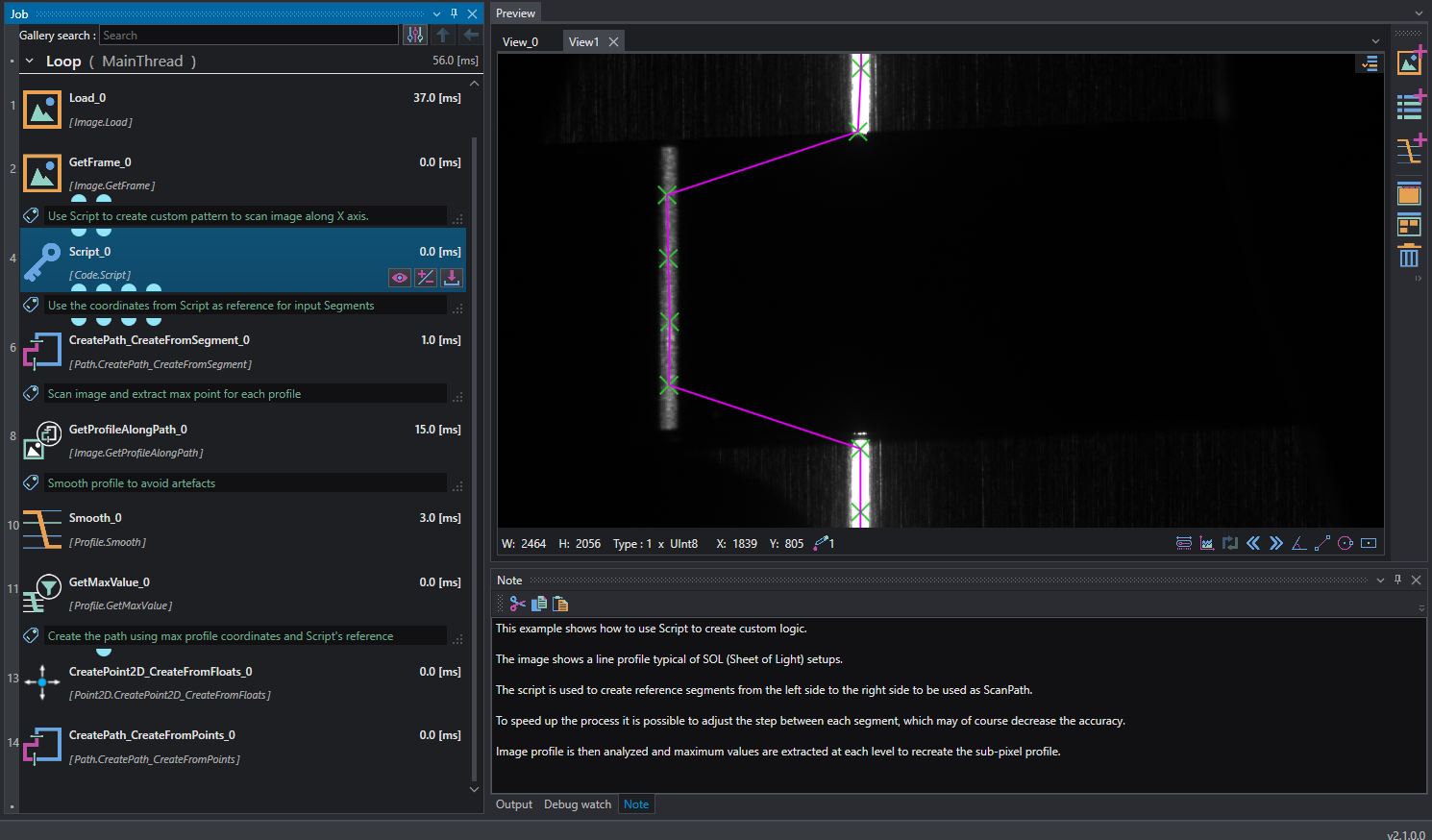
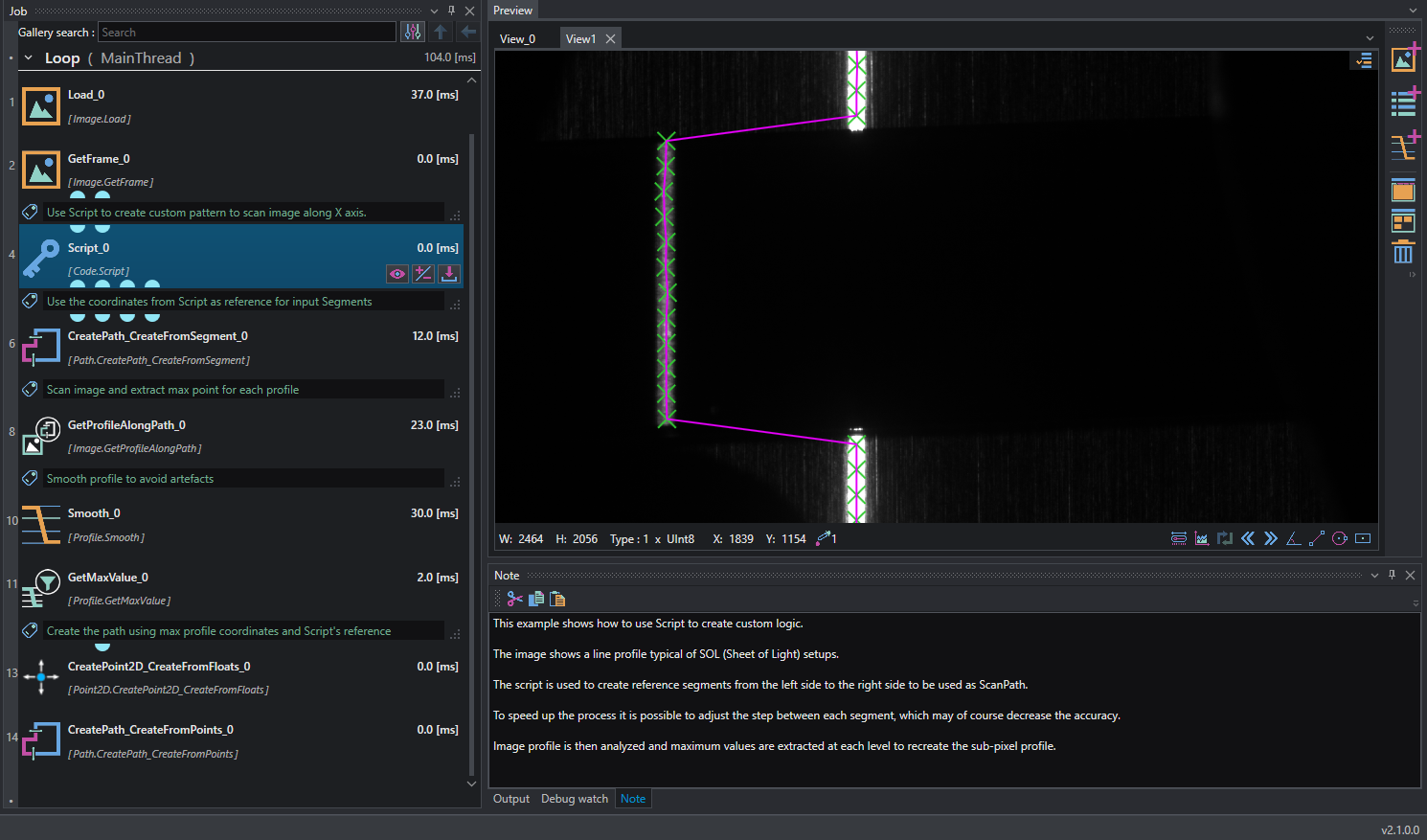
This example shows a basic use of C# Script to create custom expression inside the project. The task is to extract the line profile of a typical sheet of light image; in this case we want to manage the number and location of scanning path that will be used to extract sub-pixel precision point on the line.
To do so, a script is used to generate arrays coordinate of segments (outp1x,outp1y,outp2x,outp2y). The script takes has inputs the image's size to scan and step/offset.
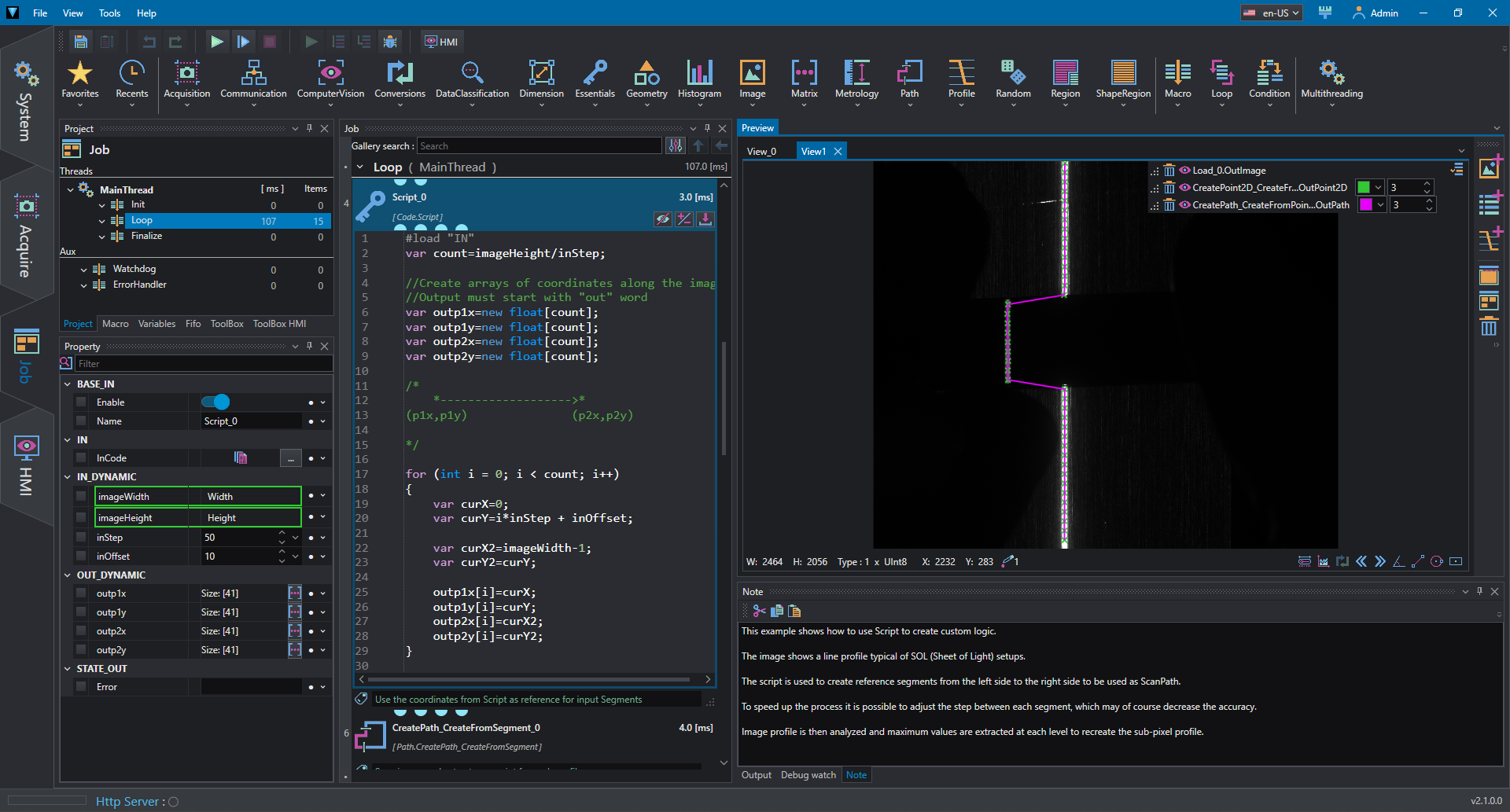
var count=imageHeight/inStep;

//Create arrays of coordinates along the image
//Output must start with "out" word

var outp1x=new float[count];
var outp1y=new float[count];
var outp2x=new float[count];
var outp2y=new float[count];

/*
    *------------------->*
(p1x,p1y)               (p2x,p2y)

*/

for (int i = 0; i < count; i++)
{
    var curX=0;
    var curY=i*inStep + inOffset;

    var curX2=imageWidth-1;
    var curY2=curY;

    outp1x[i]=curX;
    outp1y[i]=curY;
    outp2x[i]=curX2;
    outp2y[i]=curY2;
}
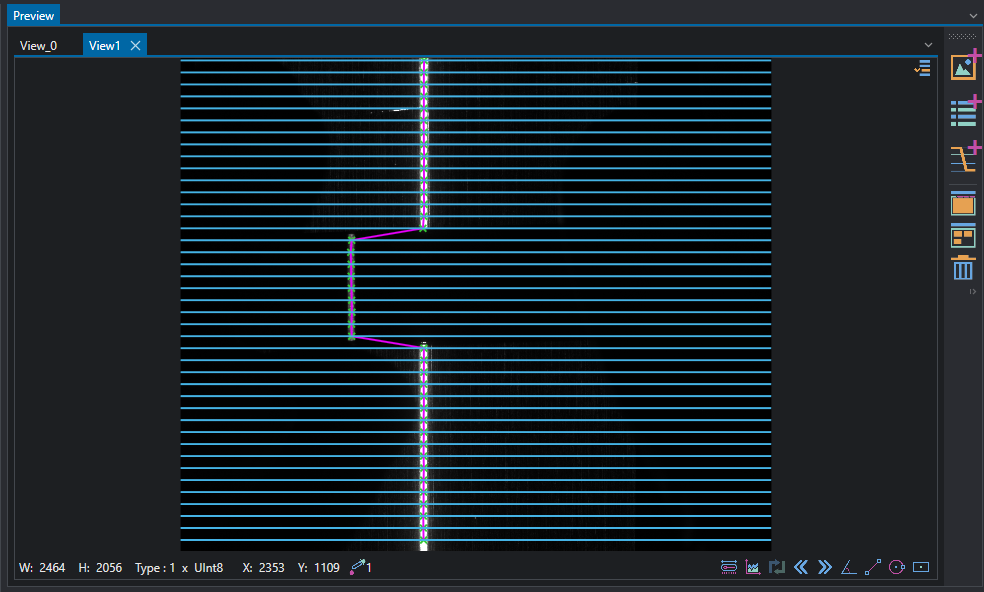
Now it is possible to use Path and Profile tools to elaborate image gradients and extract the desired points' locations. Smooth tool is also used to prevent disturbance.
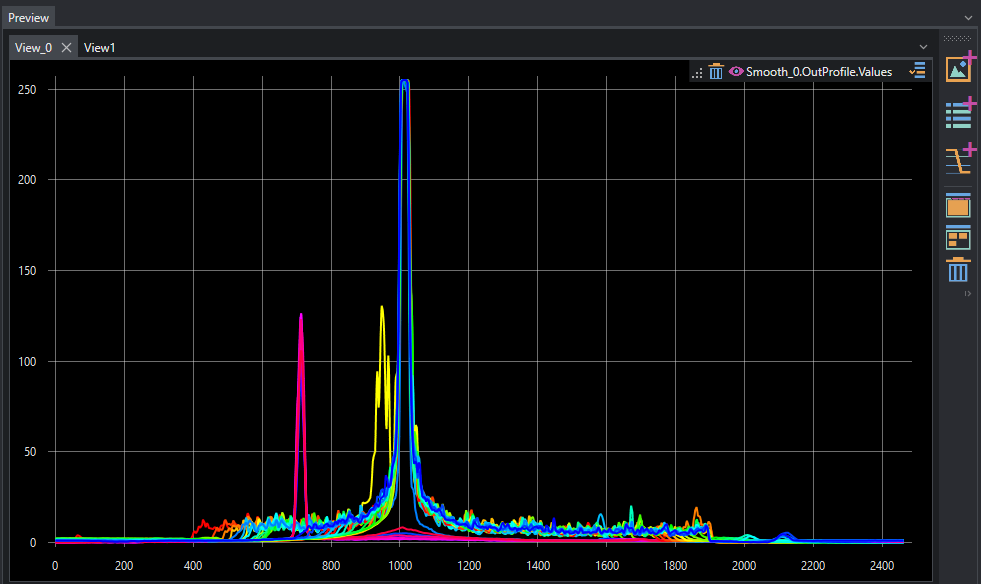
Profile response can also be inspected using the Plot viewer.
It is possible now to adjust script inputs to increase or decrease the scan resolution along the image