Region Morphology
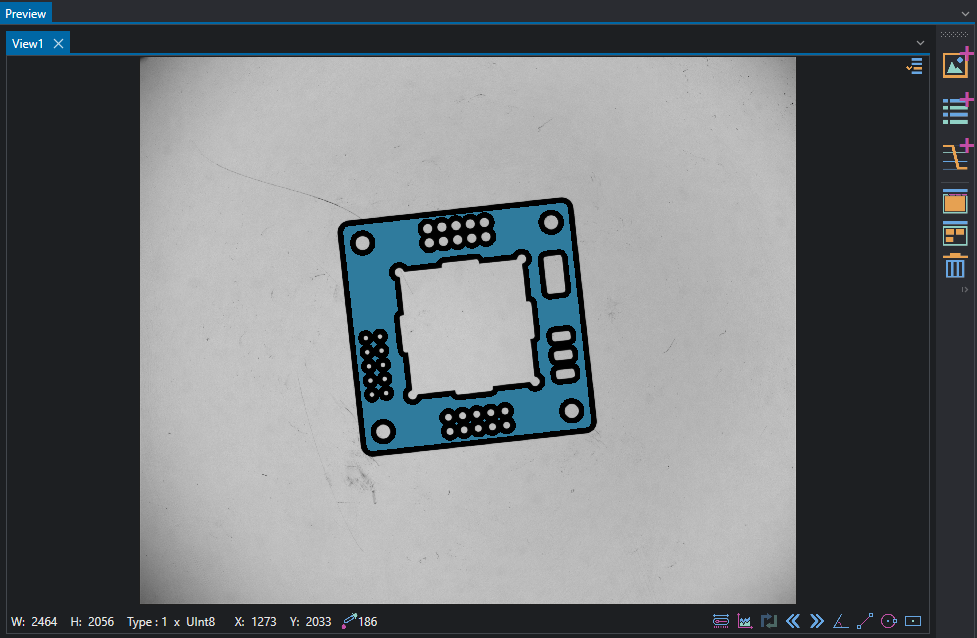
This example shows how to perform manipulate regions and apply morphology operators.
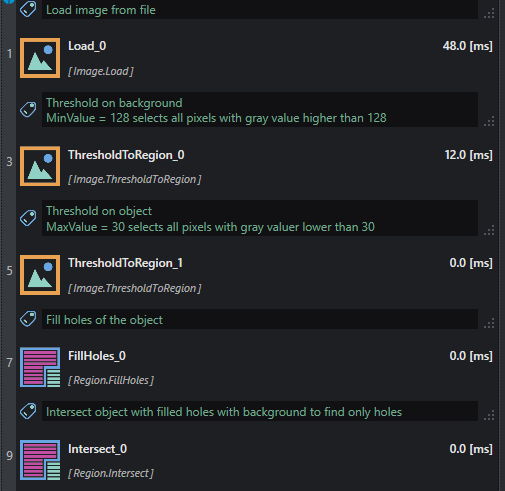
The dark region is extracted from input image with ThresholdToRegion and filled using FillHoles.
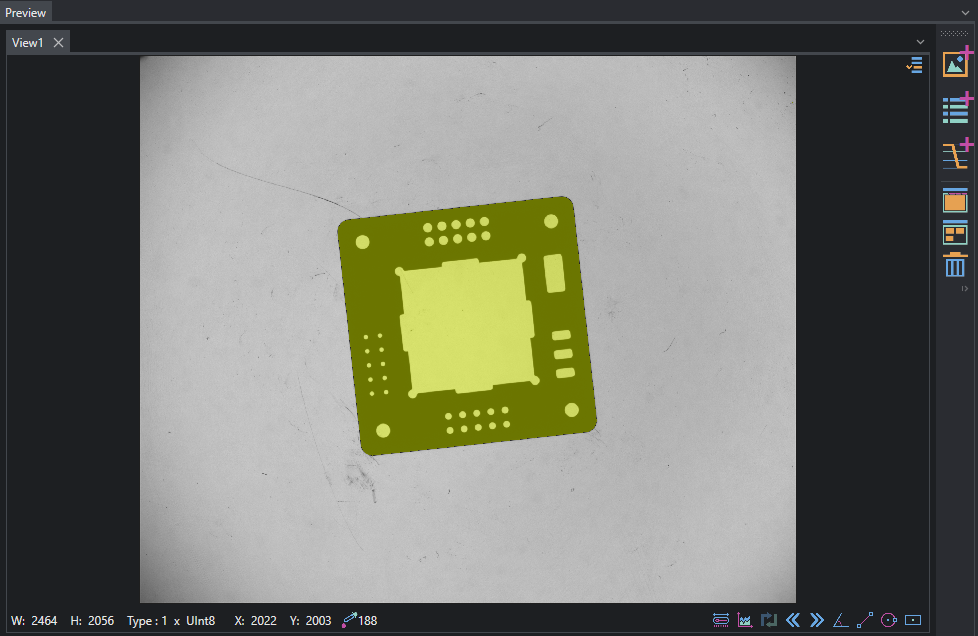
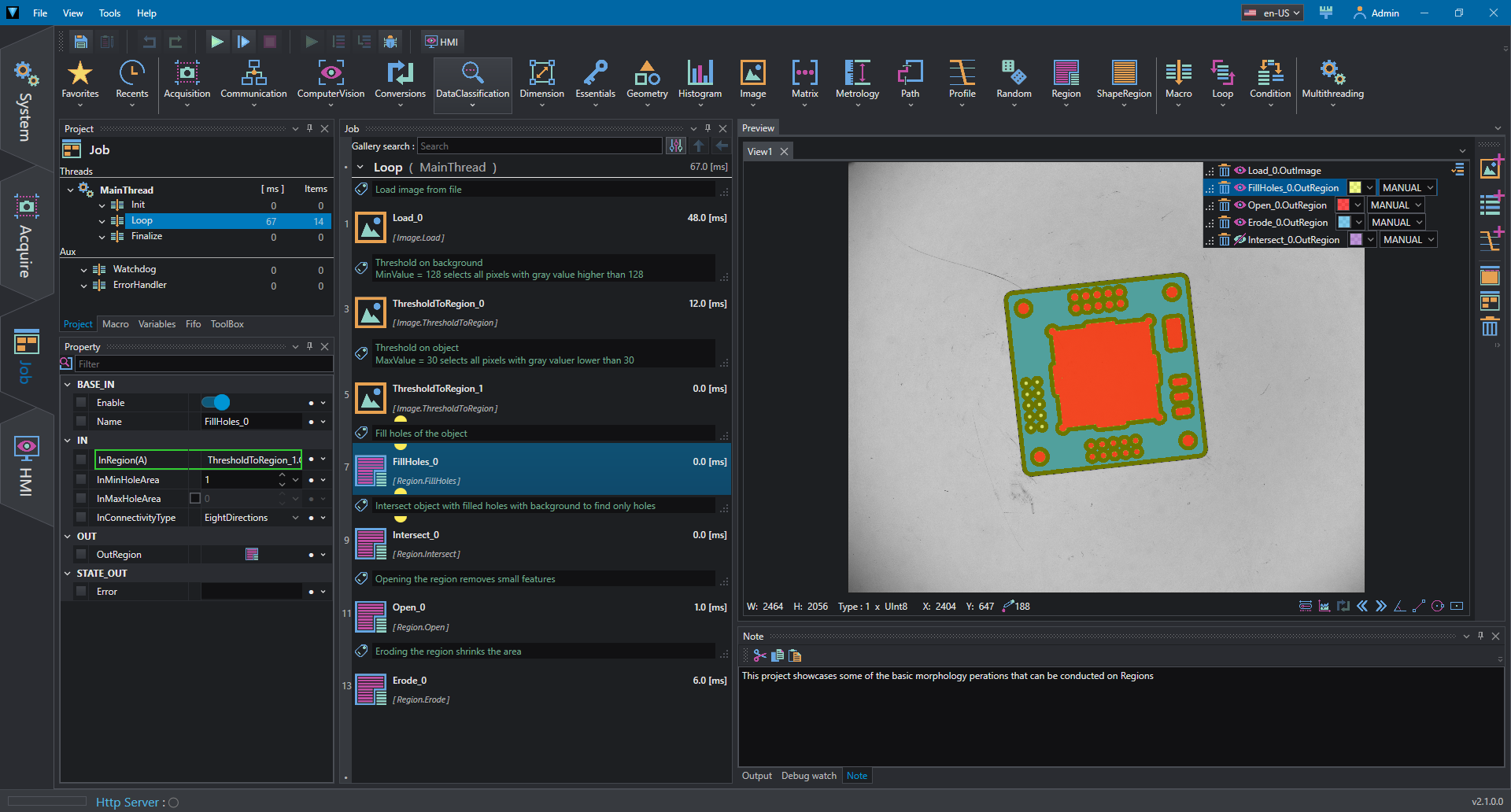
The bright region is extracted with a second ThresholdToRegion; the intersection between the two regions gives the bright inner part of the sample.
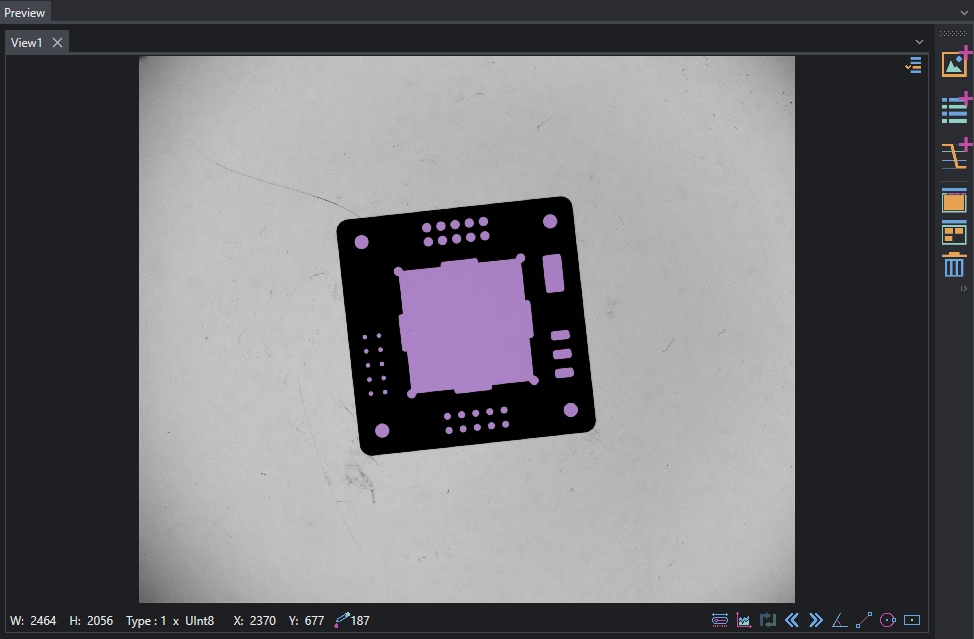
Regions are now modified by applying:
- Open to remove circles entities smaller than given kernel
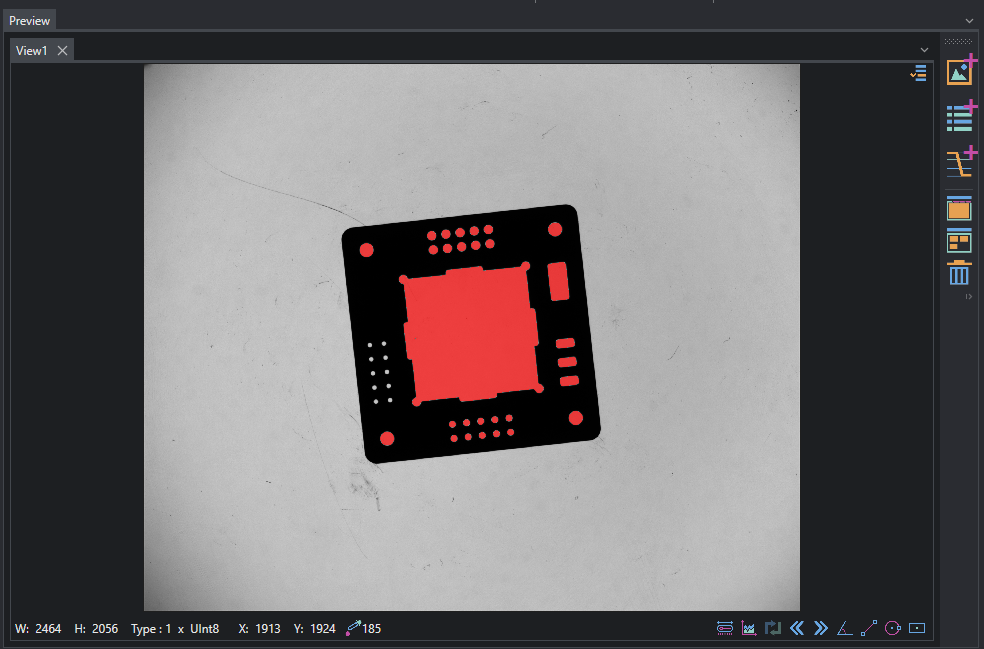
- Erode to shrink the dark region