Metrology
This example shows how to calibrate a telecentric setup and use calibrated image to measure objects. The calibration step is performed in the Init task while the measurements are performed in the Loop.
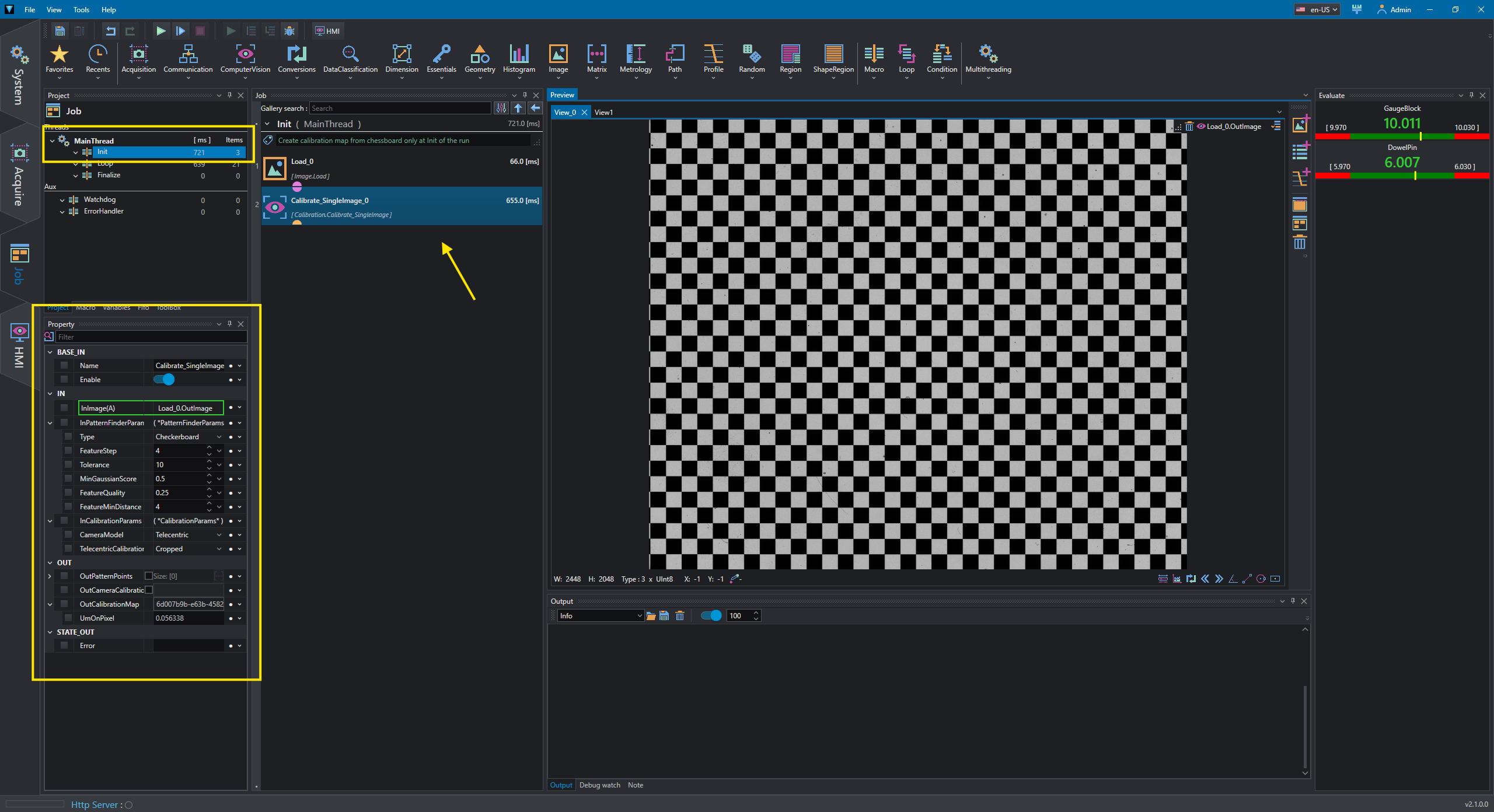
In the Init a checkerboard image is loaded and Calibrate_SingleImage is used to calculate CalibrationMap which stores information about rectification map and pixel resolution (UmOnPixel, Unit measure on Pixel).
Note
The pixel resolution has not a specific unit and it's calculated based on FeatureStep in PatternFinderParams (i.e. the chess size in this case).This means that any value expressed in mm, inch, etc can be used and any other measure in the project must be consistent with this value.
The output CalibrationMap and its pixel resolution are used in the loop.
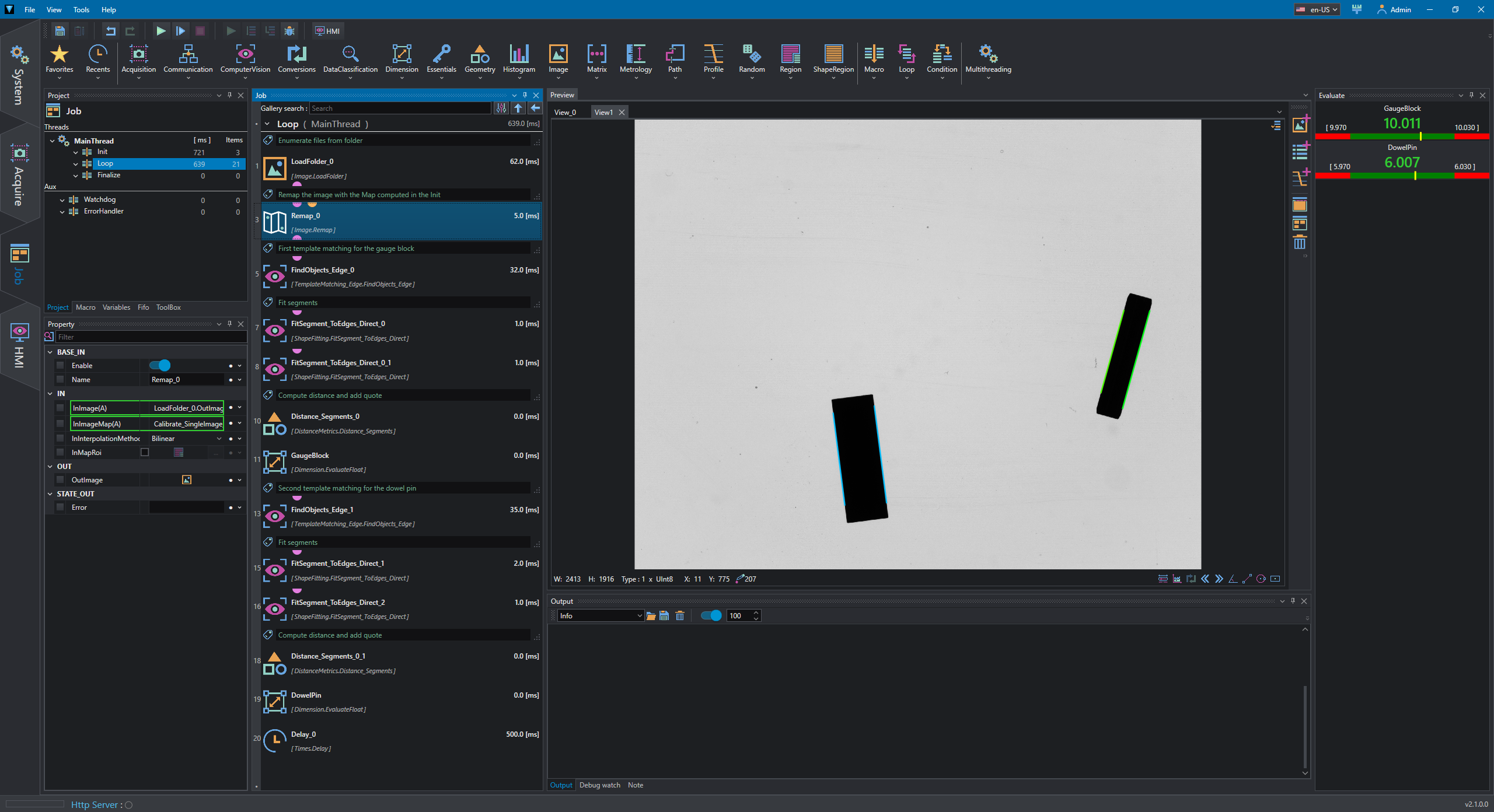
In the loop we want to measure two reference block of known size.
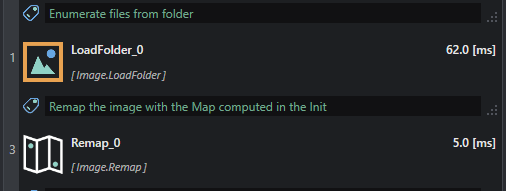
The image is loaded from folder and remapped using Remap.
A FindObjects_Edge is used to locate the object and two FitSegment_ToEdges_Direct follow thw found match's alignment to detect the object's faces.
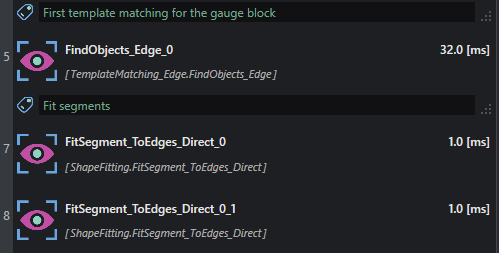
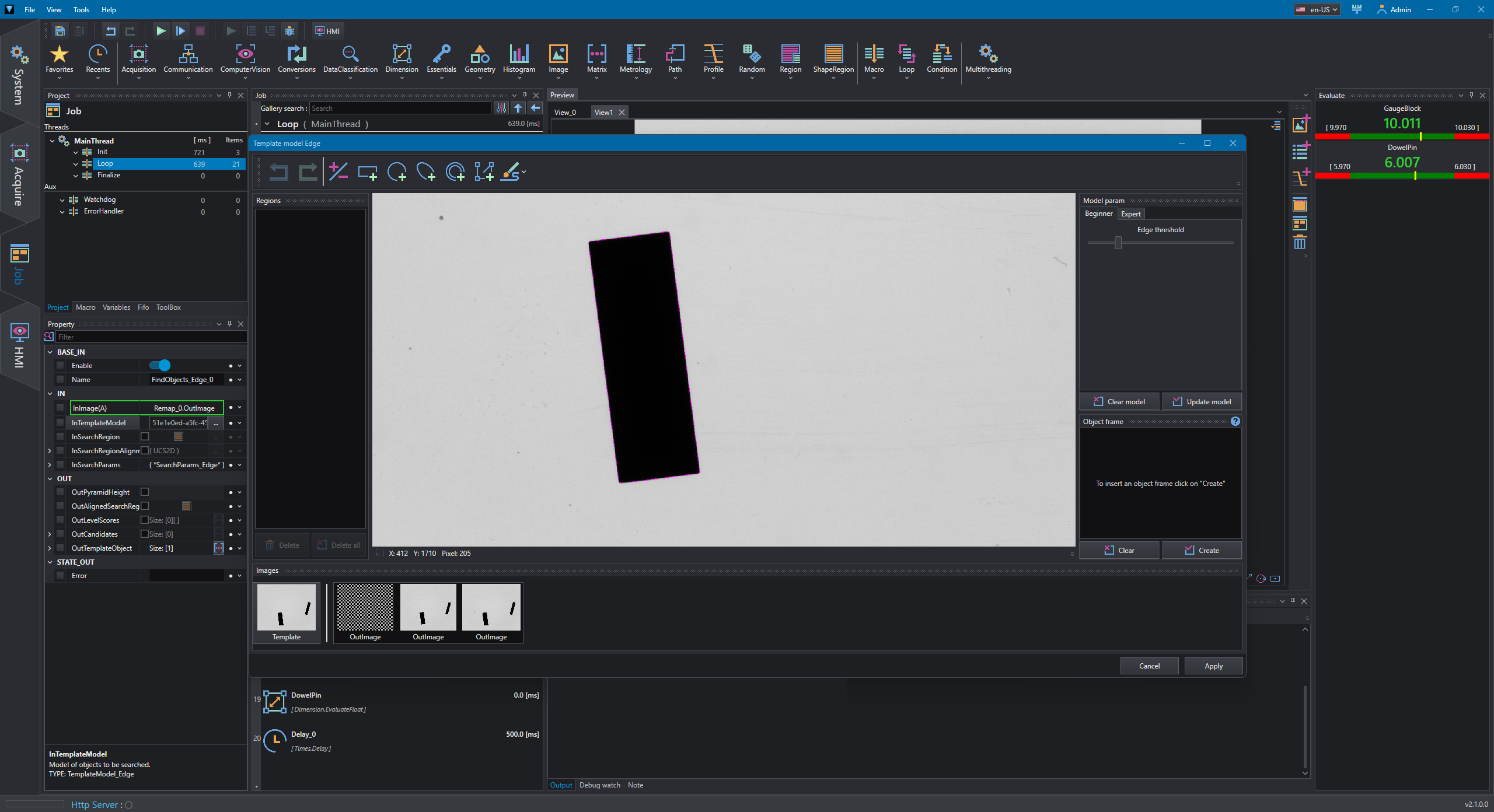
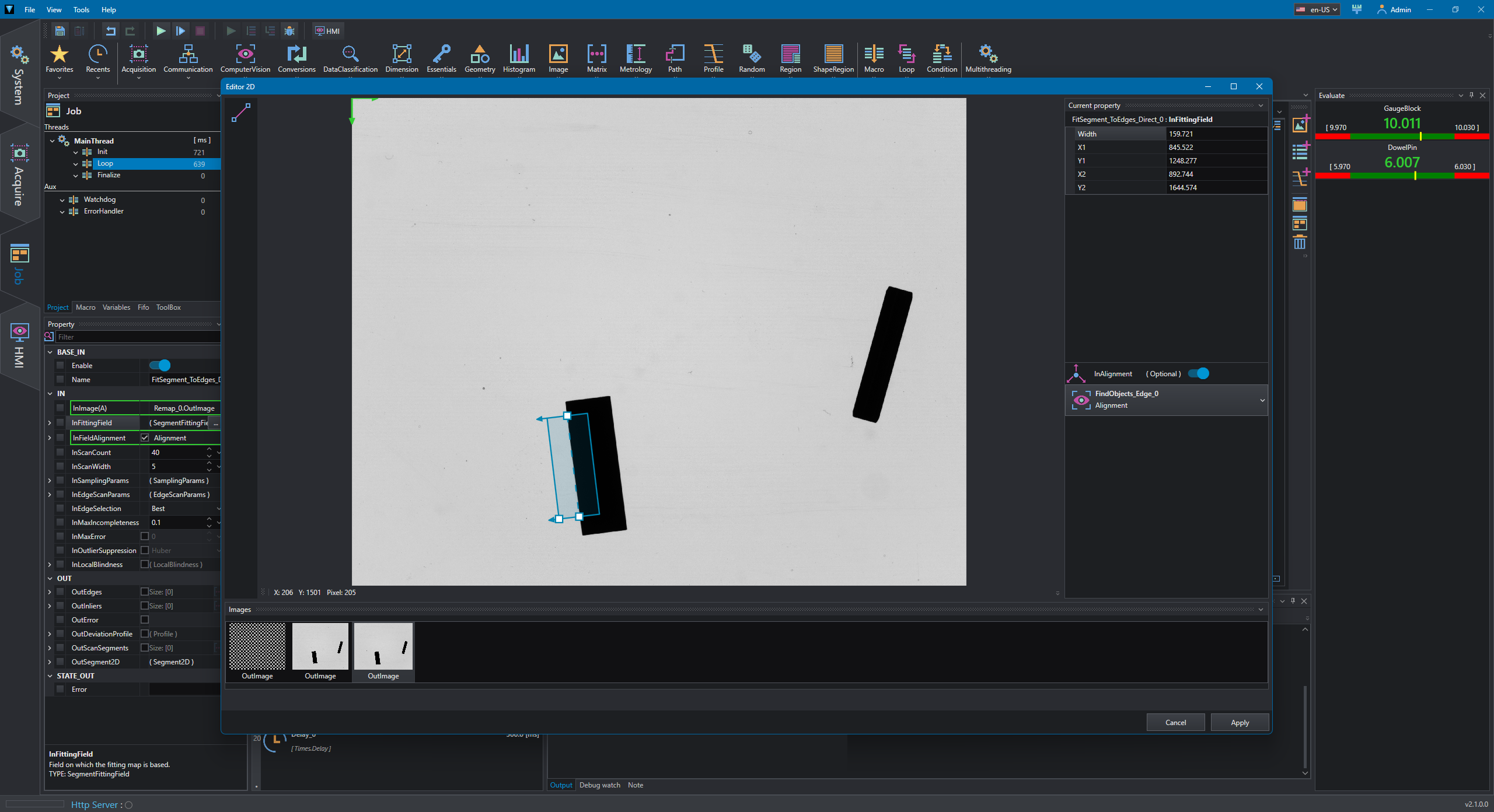
The same procedure is duplicated for the second object which is slightly smaller than the first one.
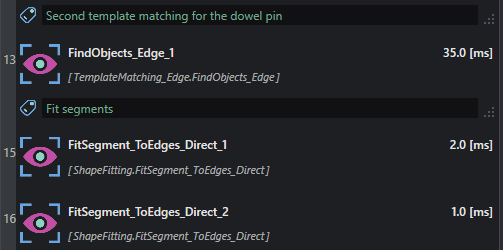
Once the segments have been detected, the distance is calculated using Distance_Segments, which computes the minimum distance between the segments using their reference points; the resulting value is then evaluated with EvaluateFloat by applying the desired tolerance.
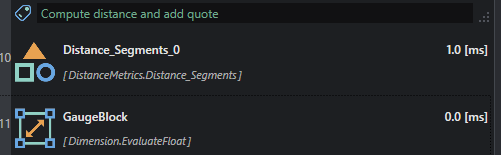
This is repeated for the second object as well.
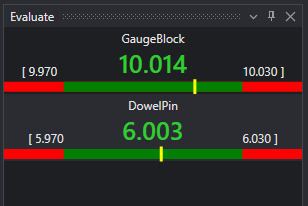
Measures obtained by evaluating tools are displayed in the Evaluate tool window.