HMI
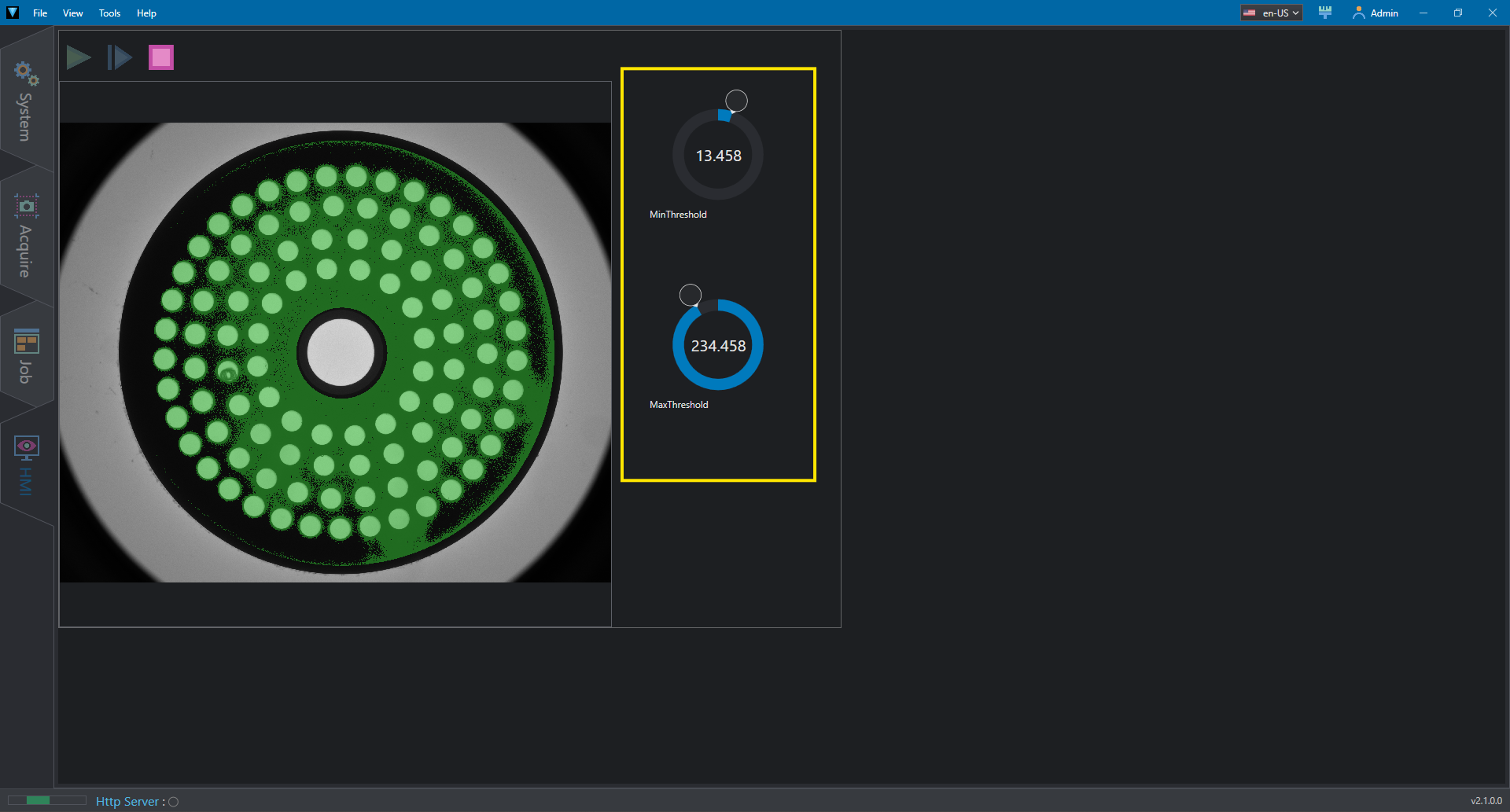
The HMI example shows a simple program performing blob detection which can be controlled from HMI. The HMI is created using the integrated HMI designer and can be accessed from the HMI button.
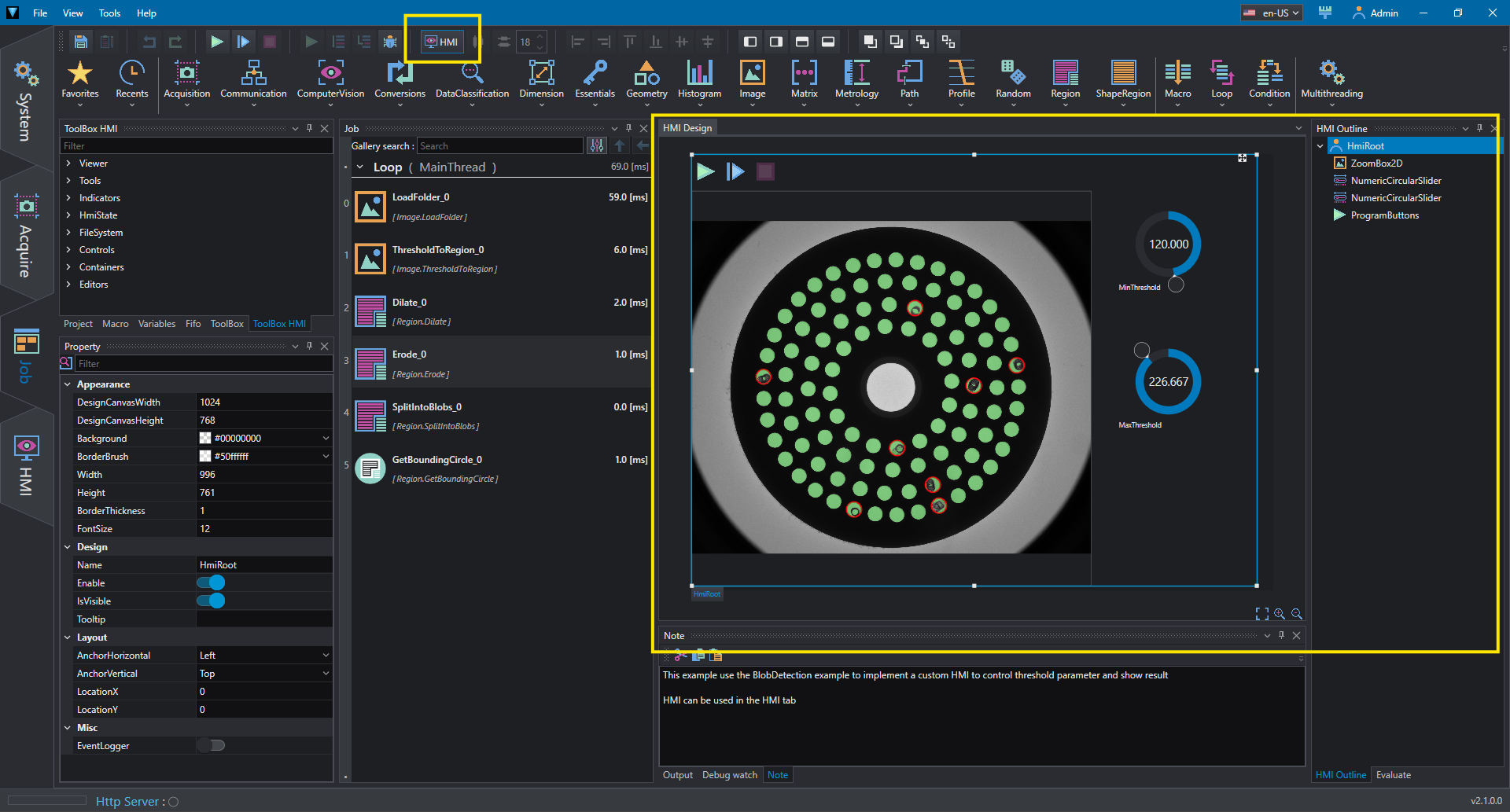
The HMI contains:
- ProgramButtons: control used to start/stop project's loop and run once
- ZoomBox2D: displays image and 2D graphical data such as regions and shapes; properties that are dropped over the ZoomBox are added as items to be rendered
- NumericCircularSlider: controls numeric values (in this case the threshold values)
Controls are organized into the main canvas according to the assigned locations and alignments.
To run the project in HMI mode, switch to HMI tab: the HMI design mode is now disabled and project can be started using ProgramButton.
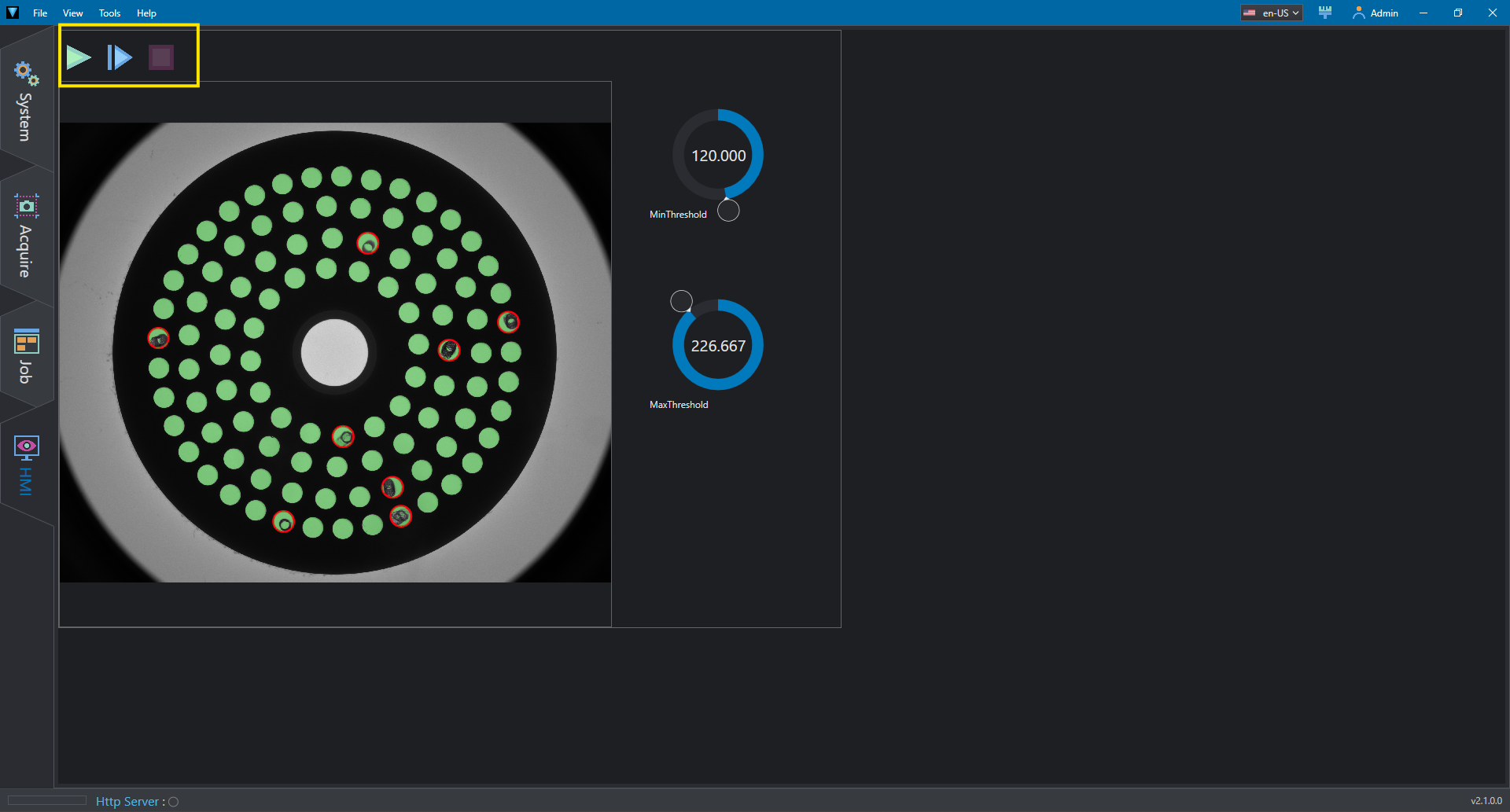
Use the numeric sliders to edit the program's behavior.